Making Science Land On Stage: AV Strategies for Healthcare Professional Events
5 minute read
Table of Contents
START WITH A SHARED LANGUAGE
LED WALLS AND MULTI-SCREEN LAYOUTS: MAKING DATA VISUALLY LEGIBLE
AUDIO THAT CARRIES THE STORY
AV AS A COMPLIANCE ALLY
PLANNING FOR SUCCESS: RFPS AND VENUE NEGOTIATIONS
ABOUT SMARTSOURCE
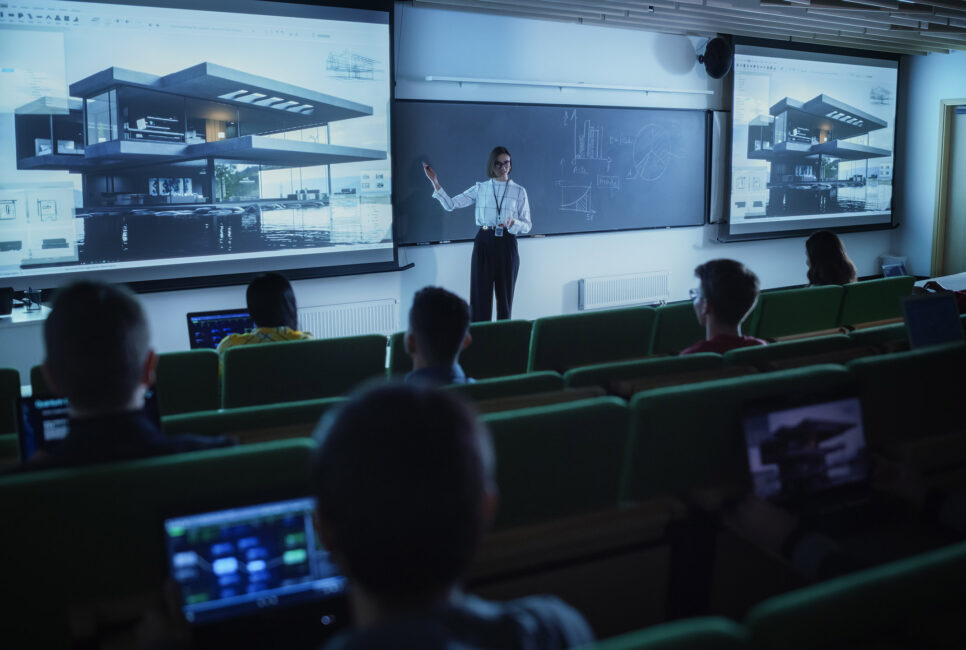
When you’re presenting dense clinical data to healthcare professionals, the science is only half the battle. The venue itself can work against you. Most ballrooms, keynote halls, and hotel breakout spaces weren’t built with survival curves or multi-arm trial designs in mind. Those detailed safety tables don’t exactly scale well on a standard projector screen.
This is when the right AV strategy and setup are key. Good audio and visuals can make complex content something HCPs can genuinely see, hear, and absorb, all while keeping you compliant.
START WITH A SHARED LANGUAGE
Before you can design an environment that truly supports complex science, everyone on the team needs to be talking about AV in the same way. When marketers, medical affairs teams, and production crews use inconsistent terminology, planning gets lost in translation.
A few examples your internal teams and agencies should understand and use consistently:
Confidence monitor – A screen facing the presenter that shows current or upcoming slides and notes, so they can focus on the audience instead of turning their back to read the main screen.
Line array – A vertically stacked speaker system that provides even audio coverage across a large room than a few standalone speakers at the front.
Aspect ratio – The proportional relationship between width and height of your content (for example, 16:9), which must match the physical screens on site, or your carefully designed clinical slides will appear cropped or distorted.
Throw distance – The distance between the projector and the screen, which influences how bright and sharp your projected data appears in the room.
When your RFP, run-of-show, and slide design conversations use standard terms, it becomes much easier for your AV partner to engineer solutions that support scientific clarity rather than just “putting screens in a room.”
Good AV can make complex content something HCPs can genuinely see, hear, and absorb, all while keeping you compliant.
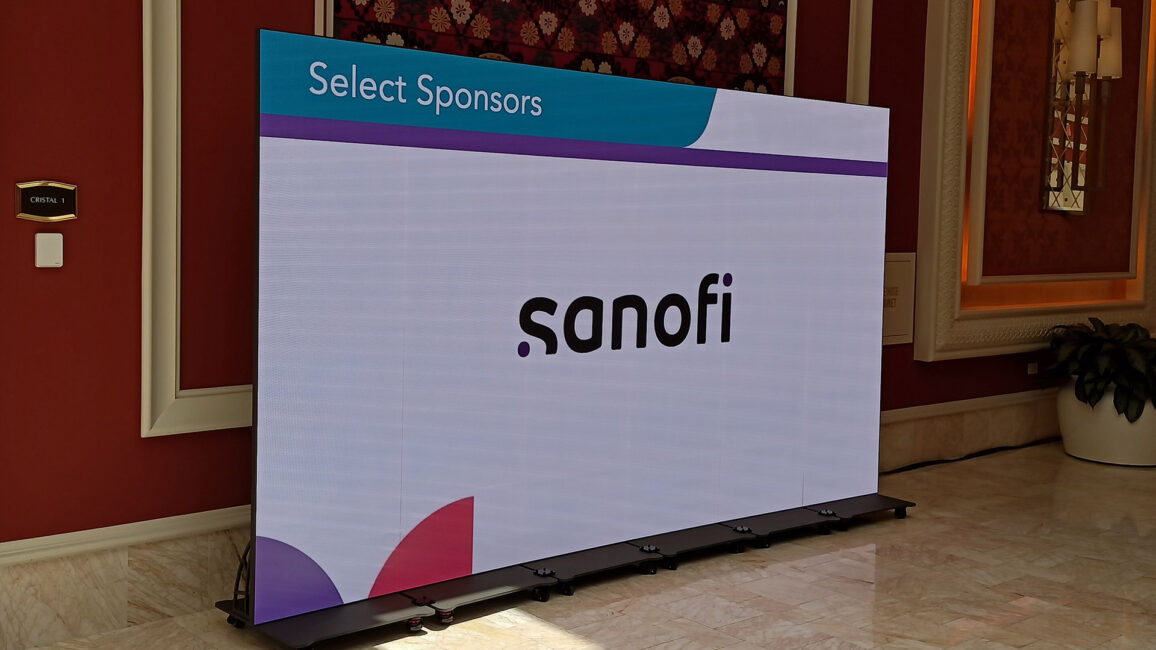
LED WALLS AND MULTI-SCREEN LAYOUTS: MAKING DATA VISUALLY LEGIBLE
Most of your risk is at the visual level: fonts are too small, colors don’t clearly display, and complex graphics are crammed into a single slide because “we only have one screen.”
Room to scale up critical numbers and labels, so they’re actually readable from the back row.
The ability to maintain high contrast between lines, bars, and labels, even in rooms that must stay partially lit for notetaking and compliance monitoring.
Flexibility to place key visuals, for example, having research data on one screen while using another to progressively build a survival curve, endpoint summary, or safety profile.
Use one screen for “anchor” content that remains visible as a reference, while a second screen displays “focus” content that you reveal step-by-step. This reduces cognitive load by separating context from detail, keeping HCPs oriented as you move through complex evidence.
AUDIO THAT CARRIES THE STORY
When you are designing an event for HCPs, details matter: dosage, endpoint definitions, hazard ratios, and adverse event language. If any of that is garbled or unevenly heard across the room, you risk both learning gaps and misinterpretation.
Based on our work with medical and scientific events, we’ve identified a few best practices:
Design for even coverage, not just volume. A properly planned system uses the right mix of speakers (often line arrays or distributed speakers), so the back of the room doesn’t get muffled audio while the front rows get blasted.
Match microphone types to format. Use Lav or headset microphones for keynote presenters, table mics for panels, and handhelds for Q&A to sound great and allow natural movement.
Build in tech checks and walk-throughs. Running a full technical rehearsal with live mics and presentation visuals helps you identify dead zones, echo issues, pronunciation challenges, and pacing problems so you can make adjustments.
AV AS A COMPLIANCE ALLY
In regulated environments, the instinct is often to “play it safe” and keep presentations stripped down and static. But a strong AV strategy makes compliant content clearer, more balanced, and easier to audit. We design for compliance from the start.
Balance content. A second screen or an alternative helps keep key safety and risk statements visible at all times, rather than burying them in a single overloaded slide.
Legible disclaimers and citations. When you specify screen size, resolution, and viewing distances up front, you can design safety and citation text at sizes that are readable throughout the room.
Controlled content playback. Relying on the AV team to manage video, animation, and complex builds ensures that what was approved in review is exactly what appears on stage, every time it’s shown.
PLANNING FOR SUCCESS: RFPS AND VENUE NEGOTIATIONS
When briefing an AV team for data-heavy HCP sessions, provide details such as audience profile and expectations, content complexity (e.g., the number of high-density slides, such as survival curves or subgroup analyses), compliance requirements, and room details.
If your venue has an exclusive in-house AV provider, rigging and basic power usually must go through them, but you can often bring your own partner for screens, LED walls, or specialized systems.
If you tie your requests to compliance outcomes, it’s easier to negotiate and explain that you need a particular LED configuration so that the required language is legible from throughout the room.
For organizations managing multiple meetings throughout the year, developing a scalable AV strategy can streamline this process across your entire event portfolio.
When you build compliance into your visual design from the start, you avoid scrambling to fix it later.
ABOUT SMARTSOURCE
SmartSource provides technology, AV, and event production equipment and support for corporate events, user conferences, trade shows, and brand activations. With decades of on-site experience and a team that speaks event planner rather than IT, SmartSource helps event professionals deliver experiences that land without the technical headache.