“A Bold Setup With the Wrong AV Is Just a Nice Photo and a Logistics Headache.”
The room diagram is usually the last thing you decide and the first thing your attendees experience. Most planners inherit the venue’s default. The banquet captain suggests classroom seating or rounds of 10; it fits the space, it is easy to set up, and you have 40 other fires to put out. So you sign off and move on.
Here is the thing: The setup is communicating before your speaker says a word.
It determines how people sit, whether they can move, whom they talk to, where they look, and how much they remember.
The room is the first slide in your presentation. And most events open on a blank one.
Classroom and rounds of 10 became the default for one reason: habit.
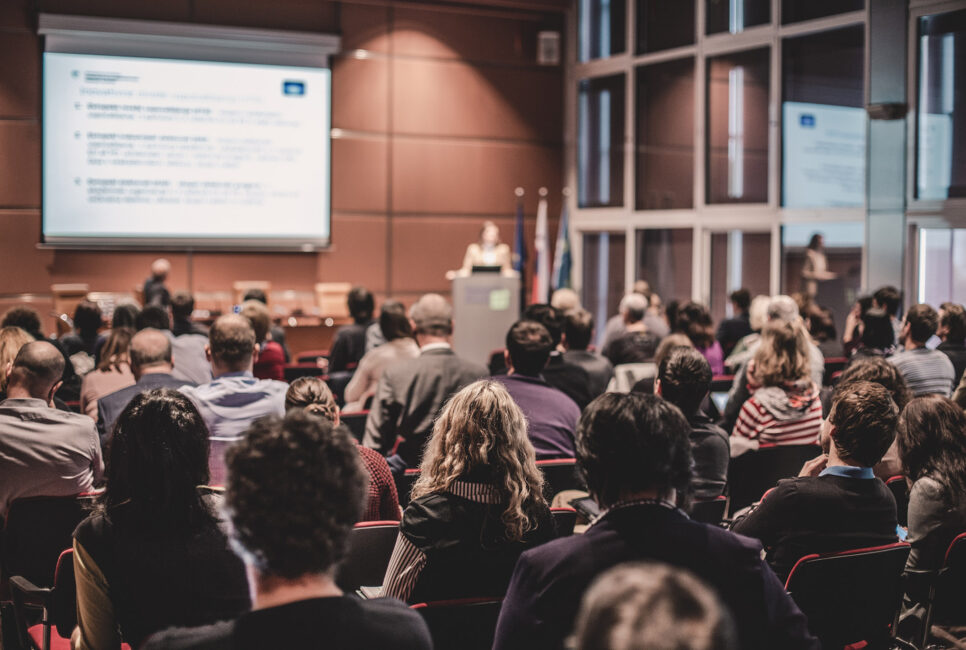
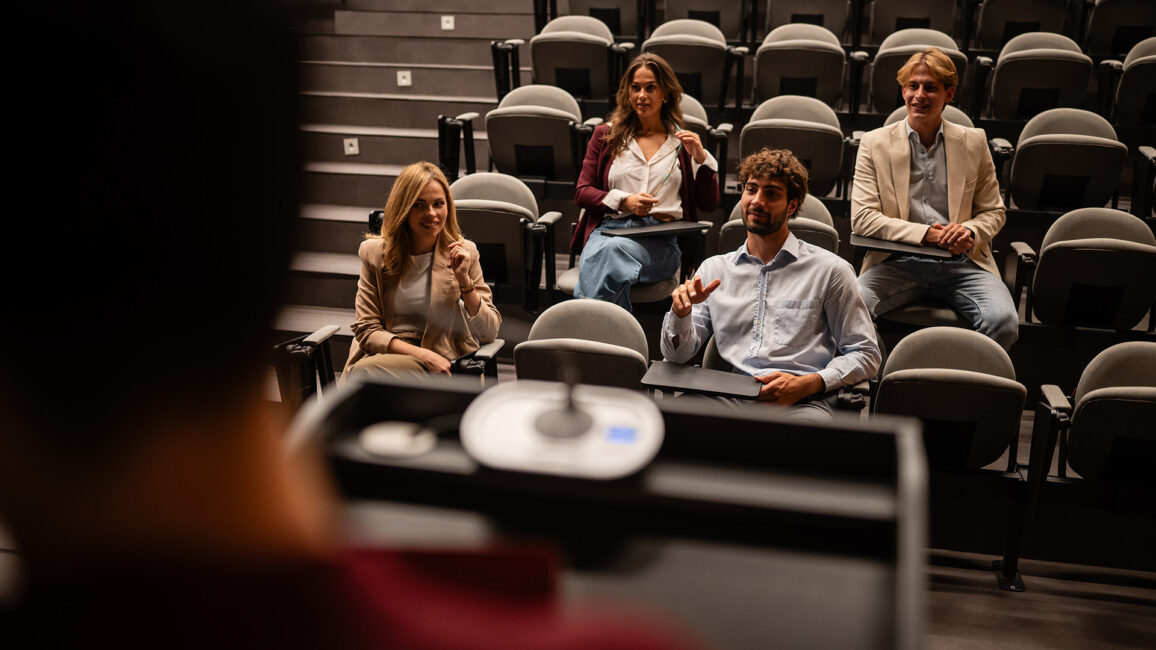
They are fine for eating and note-taking and almost nothing else. Classroom turns grown adults into students in a lecture hall.
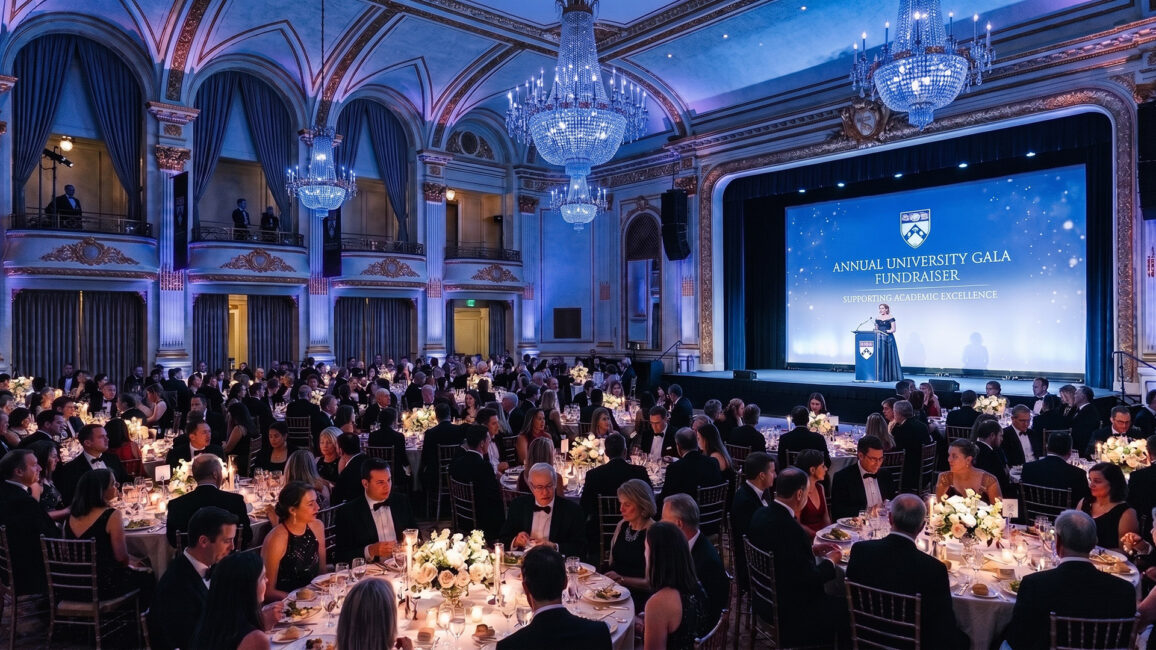
Rounds of 10 seat a third of every table with their back to the stage. Neither was chosen for what it does to engagement, because nobody chose them at all.
Below are five setups that actually do something, along with the tech each one requires. The most common mistake is picking a bold layout and bolting on AV built for a lecture hall, then wondering why the energy never showed up.
AV SETUP 1: FIRESIDE / LOUNGE
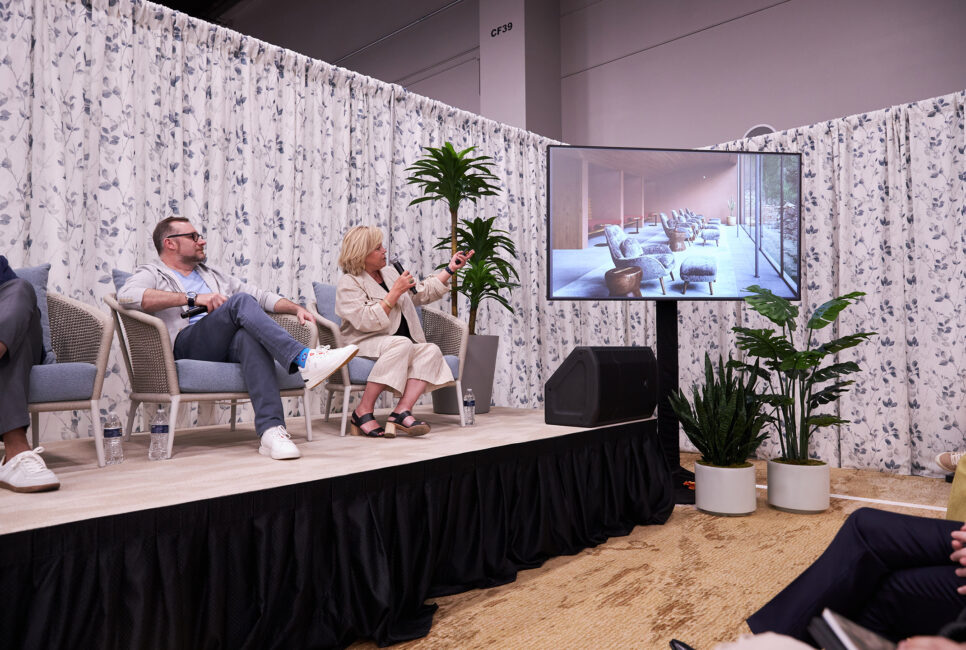
Soft seating, warm light, two chairs, and a conversation. The talk-show setup builds trust faster than any podium because it signals a real exchange, not a pitch. It is the right call when the goal is candor: a founder story, a customer conversation, a hard topic handled like adults.
Best for: Founder stories, customer conversations, hard topics that need candor over polish
Production level: Low-medium. Warm lighting and good lav audio do most of the work
What goes wrong without the right tech: Flat stage lighting kills the warmth the format promises, bad mic separation makes it sound like a press conference, and a giant empty screen behind two people in armchairs just looks wrong.
Tech: Warm-zoned lighting instead of a flat stage wash, lav mics with ambient capture so it sounds like a room and not a press conference, one feature screen rather than a giant wall, and an optional live social feed to pull the room in.
Content: Lose the 40-slide marathon. A light visual backdrop is all this format wants, a handful of motion-driven frames rather than a deck to read off.
Speaker: It is a conversation, not a keynote. Drop the script and hold three beats in your head.
AV SETUP 2: IN THE ROUND
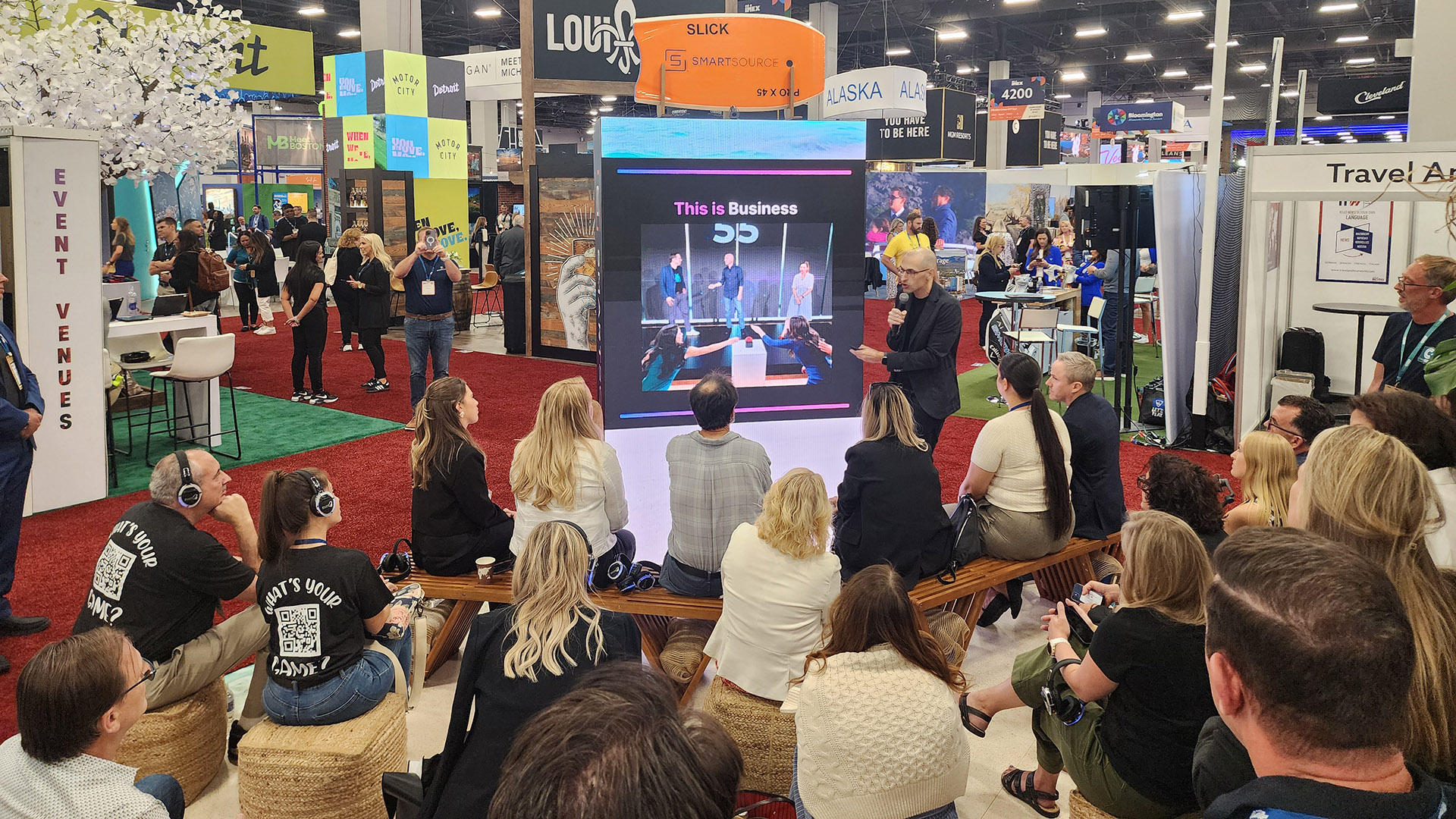
Put the stage in the center and the audience around it. Energy jumps because nobody is far away and the speaker is surrounded, not protected behind a podium. It is intimate and a little vulnerable, which is exactly why it lands.
Best for: Keynotes built on connection, founder stories, and intimate general sessions with under 400 people
Production level: Medium. Requires directional screens and 360 audio, but no outlandish gear
What goes wrong without the right tech: One quarter of the room stares at the speaker’s back, the far side strains to hear, and a single front-facing projector is useless. The setup fails silently, and everyone blames the speaker.
Tech: Screens or LED screens facing all four directions so no section is reading the back of a slide; 360-degree audio so the far side is not straining; light from above instead of a single front wash; and, if you are streaming, cameras placed so the feed never catches the speaker’s back.
Content: Kill the dense text. Visuals need to read from every seat, and anything important should be mirrored on opposing screens so all four sides get the same moment.
Speaker: Work the circle. Rotate your eye contact and rehearse a turn pattern so that no one quarter of the room is always staring at your shoulder blades.
AV SETUP 3: THE RUNWAY
A thrust stage running down a center aisle with the audience on both sides. This is the product launch and SKO reveal format, the one that feels like a keynote people travel for. It pulls the speaker into the crowd and makes the room feel like the show.
Best for: product Launches, SKO reveals, and any moment designed to feel like a show
Production level: Medium-high. Tracking light and a camera that follows movement are non-negotiable
What goes wrong without the right tech: Static flanking screens that don’t reach the length of the walk, a camera locked on a podium where nobody is standing, and audio that covers one side and drops off on the other. The walk becomes awkward instead of electric.
Tech: A long LED ribbon or flanking screens that carry the visual the length of the walk, a tracking light that follows the speaker, audio that covers both sides evenly, and a camera that tracks movement instead of locking on a podium.
Content: Build hero visuals for a wide aspect ratio, lead with motion over bullet points, and stage the reveal like a beat in a film, not a slide transition.
Speaker: Walk with intent, play to both sides, and save your biggest gesture for the reveal.
AV SETUP 4: LEARNING PODS
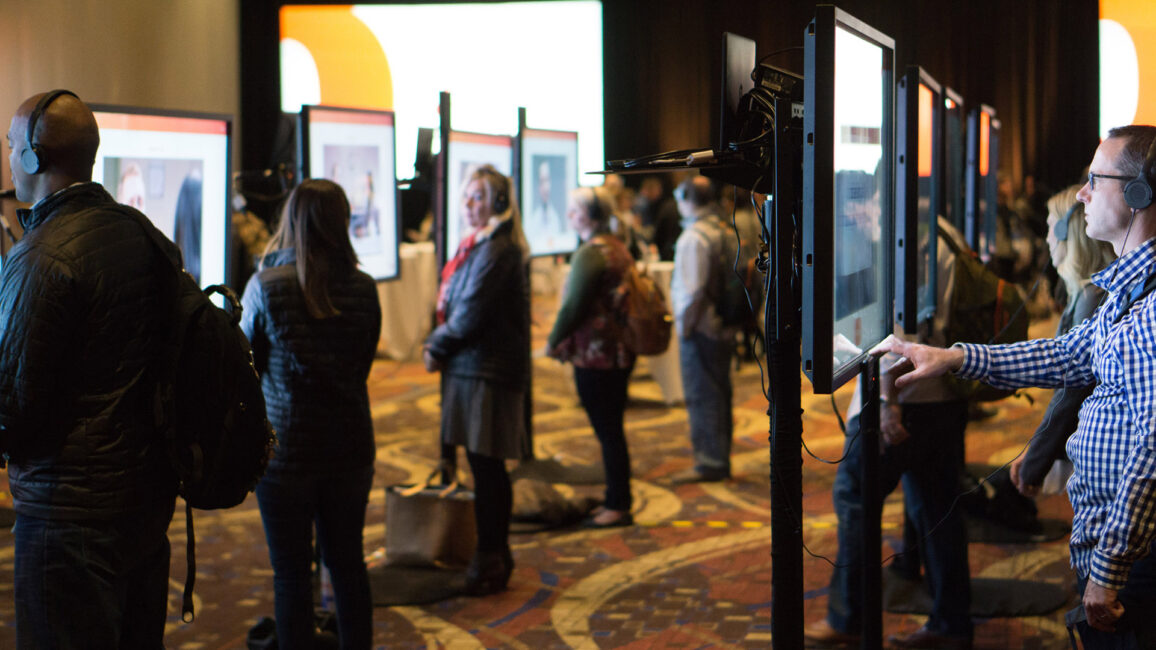
Small groups at clustered stations, each with its own micro-display, a facilitator rotating between them. Hands-on, high-retention, and the format that actually changes behavior because people do instead of watch. It is the breakout done right.
Best for: Breakouts, hands-on workshops, certification sessions, anything where behavior change is the goal
Production level: Low. The investment is in the right monitor size and audio isolation, not production scale
What goes wrong without the right tech: A monitor sized for a ballroom, wall-mounted six feet from someone’s face, pod audio bleeding into the next station, and a facilitator running the same beat five times with no system for it.
Tech: A monitor per pod sized for close viewing, not a ballroom wall, plus distributed or wireless-headset audio so the pods do not bleed into each other and turn the room into noise.
Content: Design for a 32-inch screen seen from six feet, not a stage screen seen from sixty. Bite-sized, station-specific, legible up close.
Facilitator: You are running the same beat five times. Build for repetition and energy, not one long arc.
AV SETUP 5: BROADCAST STUDIO
Build the room like a television set. When a meaningful share of your audience is remote, this stops being a hybrid afterthought and becomes the format. The in-room crowd is the live studio audience and the camera is the main event.
Best for: Hybrid events where remote attendance is significant, not a courtesy, and any session where the camera is as important as the room
Production level: High. This is two productions running simultaneously and should be spec’d and rehearsed as such
What goes wrong without the right tech: The speaker turns to read the screen and the camera catches their back; remote attendees get a wide, static shot and a muffled feed; and in-room lower-thirds mean nothing to people watching on a laptop. Both audiences feel like an afterthought.
Tech: Multiple cameras, confidence monitors to prevent the speaker from being lost, an LED backdrop, broadcast-grade audio, a teleprompter, and a switched stream that does not require remote attendees to troubleshoot to stay connected.
Content: Build two content layers. What reads in the room washes out on camera, and the on-camera lower-thirds mean nothing to the people in seats. Design for the lens first, then adjust for the room. Remote attendees are harder to win back once you lose them.
Speaker: Play to the camera and the room at once, trust the confidence monitor, and treat the lens as your most important attendee.
FREQUENTLY ASKED QUESTIONS
What is the best room setup for a product launch?
A runway or thrust stage tends to work best for launches and reveals because it pulls the speaker into the audience and stages the moment like a show. It demands flanking or ribbon LED lighting, a tracking light, two-sided audio, and a camera that follows movement. The one thing that kills it: a static camera locked on a podium nobody is standing at. Spec the camera before you spec anything else.
How do screen and AV needs change with room setup?
Significantly. A center-stage setup needs displays facing all directions and 360-degree audio; a runway needs wide-aspect visuals carried along the walk; learning pods need small monitors sized for close viewing; and a broadcast-studio room needs multi-camera and confidence monitors. The setup determines the gear, which is why the two decisions belong together. The practical takeaway: confirm the setup before you spec the gear, and confirm the gear before you design the content. Each decision constrains the next one.
What setup works best for a hybrid event?
A broadcast-studio configuration treats remote attendees as a primary audience instead of an afterthought, using multiple cameras, broadcast audio, an LED backdrop, and a reliable switched stream so the remote experience holds up. The honest caveat: this is two productions running at once. Budget and rehearsal time should reflect that, or one audience will always feel like the second priority.
Are classroom and rounds of 10 ever the right choice for an event?
Yes, for what they are good at: heavy note-taking, meals, and working sessions at tables. The mistake is defaulting to them for every session out of habit, even when engagement, movement, or intimacy would serve the goal far better. A working rule: if the session asks people to do something, a pod or lounge setup usually serves better. If it asks them to watch, in-the-round or a runway usually serves better. Classroom is for when they need to write.