How do I reduce my event tech stack without disrupting an upcoming event?
Is fewer tools always better?
“You Don’t Have a Tech Problem. You Have 14+ Tabs and Nobody Watching the Room.”
Here are your open tabs: a registration platform, a separate badge tool, the event app, a mobile check-in vendor, a survey tool, an email platform, a project tracker, two Slack channels, a spreadsheet that tracks the other spreadsheets, an AV vendor, a streaming vendor, and a tool somebody added in March that you are still paying for and nobody remembers why.
Every one of them promised to save you time. Add them up and you spend your day managing tools instead of running the event. That is not a tech problem. It is a stack problem.
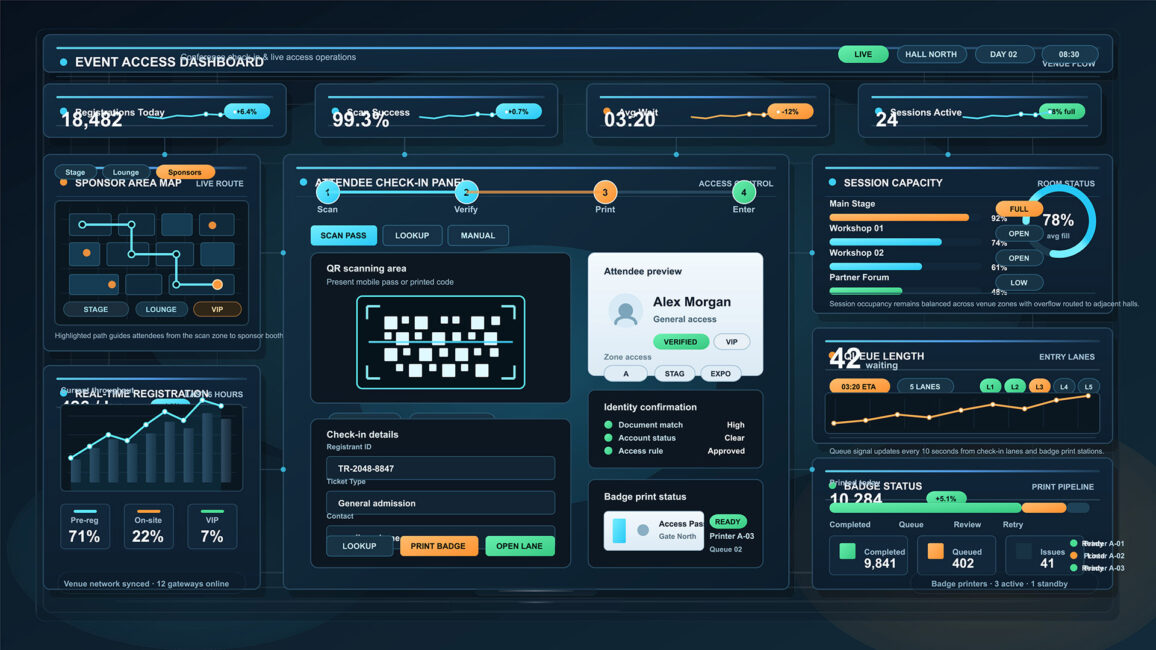
Somewhere along the way, “there is a tool for that” became “there are twelve tools for that,” and stitching them together quietly became your actual job. The dashboard was supposed to give you a view. Now you have fourteen of them and no time to look at the room.
THE REAL COST DOESN’T SHOW UP ON THE INVOICE
The subscriptions are the cheap part. The real cost of a sprawling stack is the stuff that never shows up on a renewal notice.
It is the context-switching, the small tax you pay every time you jump from one tool to the next, multiplied a few hundred times a day.
It is your attendee data living in six places that do not talk to each other.
It is the one thing that falls through the crack between two tools because each assumed the other had it.
And it is the mental overhead of remembering which login does what, who owns which vendor, and which spreadsheet is the current one.
Picture a team managing eleven vendors with an average of three logins each. That is thirty-three credentials, thirty-three renewal dates, and thirty-three places for something to break on show day.
All of it adds up to the same bill: your attention. Which is the one thing the event needs most from you on show day, when no dashboard is going to save you and a human decision will.
HOW THE STACK GOT THIS BIG
Here is how the stack got this big, and no single step was a mistake.
A real pain shows up. A tool solves it. You adopt it.
Then the tool brings its own overhead: another login, another integration to maintain, another vendor to manage, another renewal to forget.
One good decision at a time, you end up with sprawl nobody actually chose.
Multiply that across a team and a couple of years and you get change fatigue. The tools change faster than anyone can learn them, so half your stack runs at ten percent of what it can do, and everyone is too buried to notice.
What a healthy stack looks like:
Tools that integrate or consolidate, so data flows instead of getting re-keyed by hand
One source of truth for attendee data, not six partial copies that disagree
Fewer vendors who each own more of the picture, instead of many who each own a sliver
A standing review, even just quarterly, of what you are still using versus still paying for.
THE PART MOST VENDORS DON’T WANT YOU TO HEAR
Here is the uncomfortable turn. The reason the stack grew to fourteen tools is that somewhere along the line you started trying to replace judgment with software. And software is great at the predictable parts.
But on show day, when the stream drops, or the check-in line is snaking out the door, or the room just feels flat, no dashboard fixes it. A person does. The thing a buried planner actually needs is not another platform. It is fewer vendors who think alongside them, and a human in the room, not another login.
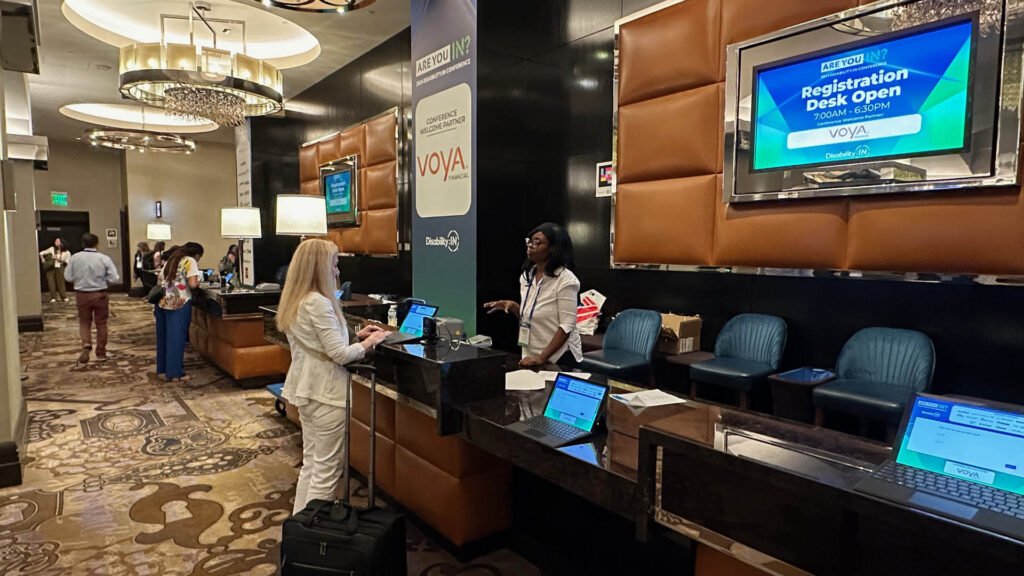
This is the case for consolidation that almost nobody makes, because most vendors want to be one more tab. A partner who can own registration, badging, AV, streaming, signage, and on-site support at once collapses a fistful of vendor relationships and a screen full of tabs into one team that carries the load with you. You stop managing the seams between tools because there are fewer seams.
That is not fewer tools for the sake of fewer tools. It is moving the cognitive weight onto people who own more of the picture, so you get your attention back for the room.
HOW TO THIN THE STACK WITHOUT BREAKING THE EVENT
You do not fix this by ripping everything out three weeks before a show. You fix it with one honest inventory and a short, ordered cut list.
Inventory everything first: every tool, platform, vendor, and login that touches the event, on one page.
Flag the overlaps: two tools doing the same job is a consolidation waiting to happen.
Flag the orphans: the ones you pay for and nobody opens. Those go first, and they go now.
Flag the friction: the handoffs between tools where things break or get re-keyed. That is where a single owner pays for itself.
Then sort everything into keep, consolidate, or cut. Start with the orphans. Tackle the overlaps next. Leave the core systems alone until after the next event, because swapping critical infrastructure mid-cycle is how you create the very chaos you are trying to avoid.
Want to run this exercise right now? Grab the Stack Audit Here.
Want to run this exercise?
The Stack Audit puts every tool, platform, and vendor on one page. Flag your overlaps and orphans, tally what you are actually spending, and get a plain-English verdict: Lean, Cluttered, or Drowning.
The goal was never the most tools. It was the clearest view and the most attention left over for the room. Every tab you close is attention back. See the whole stack on one page, cut what is not earning its spot, and you will find out how much of your day the tools were quietly taking.
Frequently Asked Questions
How do event teams end up with too many tools?
Usually through good intentions. Each tool solves a real, specific pain when it is adopted, but no one owns the whole stack, so nobody notices the sprawl piling up. Tools also change faster than teams can consolidate, so old ones rarely get retired even after a newer one overlaps them. The fix is a recurring review, even once a quarter, where someone is actually responsible for asking whether each tool is still earning its spot.
What is the real cost of too many event tools?
It goes well beyond the subscriptions. The bigger costs are context-switching, attendee data siloed across tools that do not talk, tasks that fall through the gaps between systems, and the mental overhead of managing logins and vendors. A team running eleven vendors with three logins each is managing thirty-three credentials before they have done a single thing for the attendee. On show day, all of that competes for the attention the event needs most.
How do I reduce my event tech stack without disrupting an upcoming event?
Inventory everything first, then cut the orphans you pay for but do not use, since removing those carries no risk. Consolidate overlapping tools next. Avoid replacing core systems right before an event. The highest-leverage move is consolidating vendors so a single partner owns multiple layers, which removes tools and handoffs at once without touching anything critical.
Is fewer tools always better?
No. The goal is the right tools that integrate and the fewest vendors who own the most of the picture. A lean stack you actually use beats a large stack you spend your day managing, but cutting a tool that does a real job with no replacement just creates a new gap. When in doubt, ask: if this tool disappeared tomorrow, would I notice at the event? If the answer is no, it is an orphan.