Bulk Laptop Rentals for Conferences: A Deployment Checklist for Event Organizers
7 minute read
Table of Contents
ADVANTAGES TO RENTING LAPTOPS FOR YOUR EVENT
You can get more creative with your sessions
You can ensure everyone’s laptops have the same tools and access
You can avoid paying for a large number of laptops at once
LAPTOP RENTAL DEPLOYMENT CONSIDERATIONS
BULK LAPTOP DEPLOYMENT CHECKLIST FOR EVENT ORGANIZERS
Initial Plans
Machine Configurations
Networking Requirements
Logistical Arrangements
Onsite Technical Support
FULL-SERVICE BULK LAPTOP RENTAL FOR CONFERENCES
DIFFERENTIATE YOUR CONFERENCE WITH LAPTOP RENTALS
FREQUENTLY ASKED QUESTIONS ABOUT BULK LAPTOP RENTALS FOR CONFERENCES AND CONVENTIONS
1. Why is it better to have a provider handle our rented laptop logistics and support?
2. Can rented laptops be preloaded with custom software for our event?
3. How can hundreds of laptops be deployed for my event?
Bulk laptop rentals for conferences involve much more than determining how many devices you need. When dozens or hundreds of laptops need to be configured, tested, delivered, connected, supported onsite, and retrieved after an event, the rental becomes a deployment project.
For event organizers, that means planning for everything from custom laptop imaging and software requirements to venue Wi-Fi, room assignments, setup, and onsite technical support. The right deployment plan gives every attendee a consistent, ready-to-use device while keeping the technical and logistical work off the event team’s plate.
Here’s what event organizers should plan for when renting laptops in bulk, and how an event technology partner can help.
ADVANTAGES TO RENTING LAPTOPS FOR YOUR EVENT
Bulk laptop rentals can provide several benefits for you and your event participants. Some may be obvious, but others may surprise you. Here are some of those advantages:
You can get more creative with your sessions
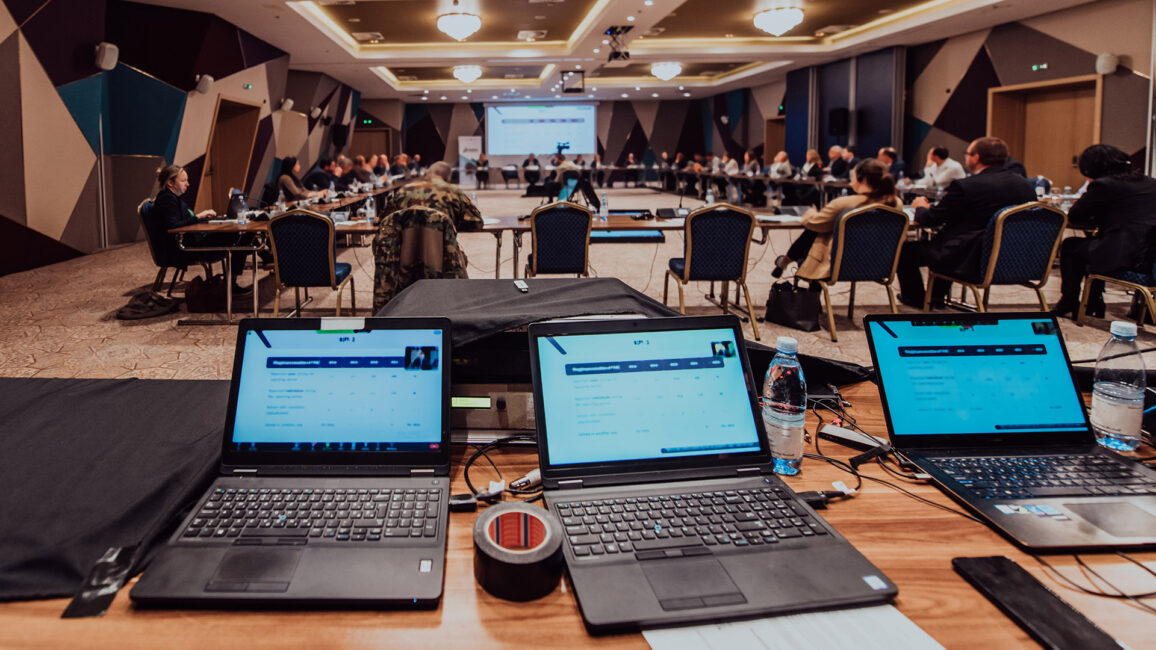
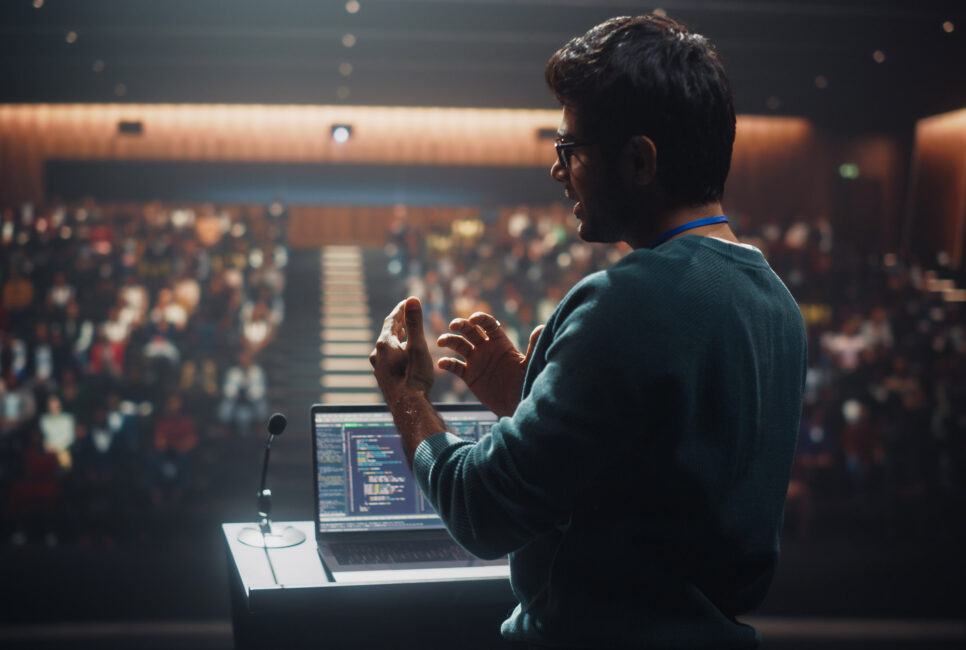
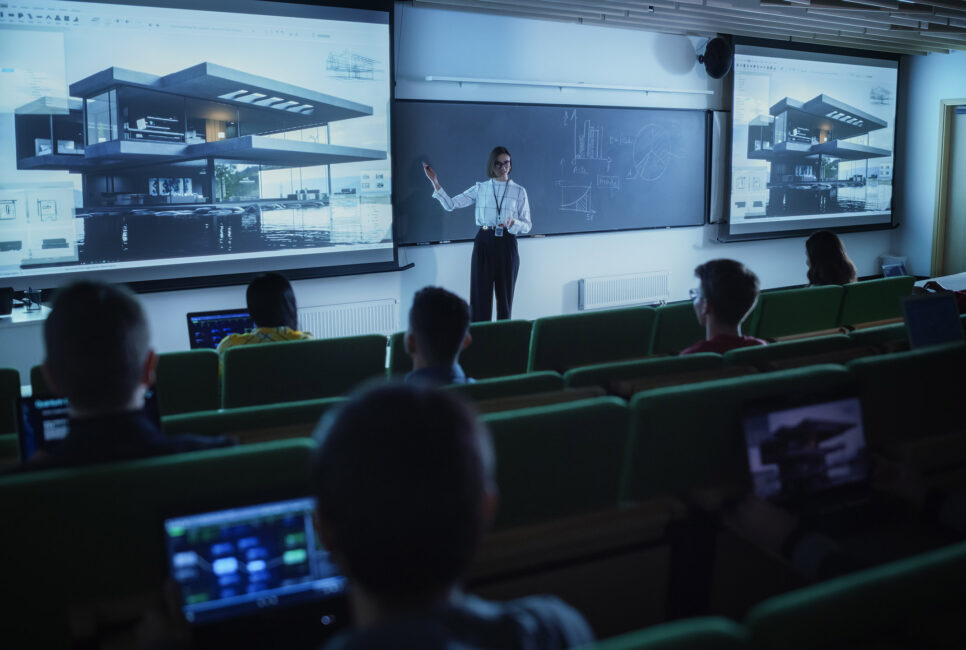
Having laptops for attendees in a session allows you to offer modern, digital learning experiences. For example, a presenter could simulate a Wall Street trading floor or offer a comprehensive tutorial on how to code using AI. Providing standardized laptops can give organizers more flexibility to build hands-on training, simulations, and other interactive sessions into the agenda.
You can ensure everyone’s laptops have the same tools and access
Even if you could ask everyone at a business event to bring a laptop with them, they’d likely all have different software versions, security settings, permissions, operating systems, and hardware capabilities. This would cause problems during a training session where everyone needed the exact same configurations on their machines. Providing preconfigured laptops creates a standardized environment, so attendees can begin the session with the same software, settings, and capabilities.
You can avoid paying for a large number of laptops at once
For equipment needed only during periodic training or events, renting can eliminate the need to purchase and maintain a large fleet of laptops between uses. You’ll get newer models in the right configuration each time you need them. Plus, you’ll get onsite support when you work with the SmartSource team as your event technology rental partner.
LAPTOP RENTAL DEPLOYMENT CONSIDERATIONS
Operationally, a bulk laptop deployment should be treated as its own project to avoid preventable issues. Their coordination needs to be mapped out so that they are configured accurately, delivered on time and to the right place, supported onsite, and retrieved afterward by an experienced IT Solutions partner.
In other words, it’s important to have a discussion upfront with an event technology partner to ensure you’re creating and following a framework that aligns with timelines and expectations.
BULK LAPTOP DEPLOYMENT CHECKLIST FOR EVENT ORGANIZERS
Initial Plans
First, talk about the number of machines you’ll need as well as the different user groups and needs that the laptops will serve. Your event technology partner can also recommend the right approach based on experience with similar laptop deployments.
Machine Configurations
Once you’ve determined how many laptops you’ll need, start a dialogue about the custom laptop imaging you’ll require. Custom laptop imaging creates a standardized configuration across the device fleet. Depending on the event requirements, that can include the operating system, applications, security settings, user permissions, and other specifications attendees need for the session.
You may need specific software and configurations for users at your event, and it’s helpful for your event tech partner to be aware of them. It can take time to configure a fleet of dozens or hundreds of laptops. The sooner a partner gets this information, the better.
Networking Requirements
In addition to software, plan for networking and connectivity at the venue. A network that works well for typical attendee use may not be equipped to support dozens or hundreds of laptops connecting at the same time, particularly when sessions rely on bandwidth-intensive applications.
Your event technology partner should evaluate factors such as the number of simultaneous connections, applications attendees will be using, bandwidth requirements, and capabilities of the venue’s existing network. Identifying those requirements in advance allows the team to address potential connectivity issues before they affect a live session.
Logistical Arrangements
When envisioning how your rented laptops will be used, think about whether you’ll need special station assignments. Will attendees get individual logins? How will each laptop be monitored? Will some or all of your laptops need to be moved to different stations or rooms throughout your event? If so, who will transport them, when will they transport them, and what configurations will they need in all the spaces? A mock walk-through can help identify logistical issues before the event.
From a logistics standpoint, you’ll also want to set up dates for your large-scale laptop deployment team to access your venue, stage and set up your laptops, test the laptops, tear them down, and ensure all equipment has been collected. Having concrete timelines for any logistical elements avoids miscommunication or delays.
Onsite Technical Support
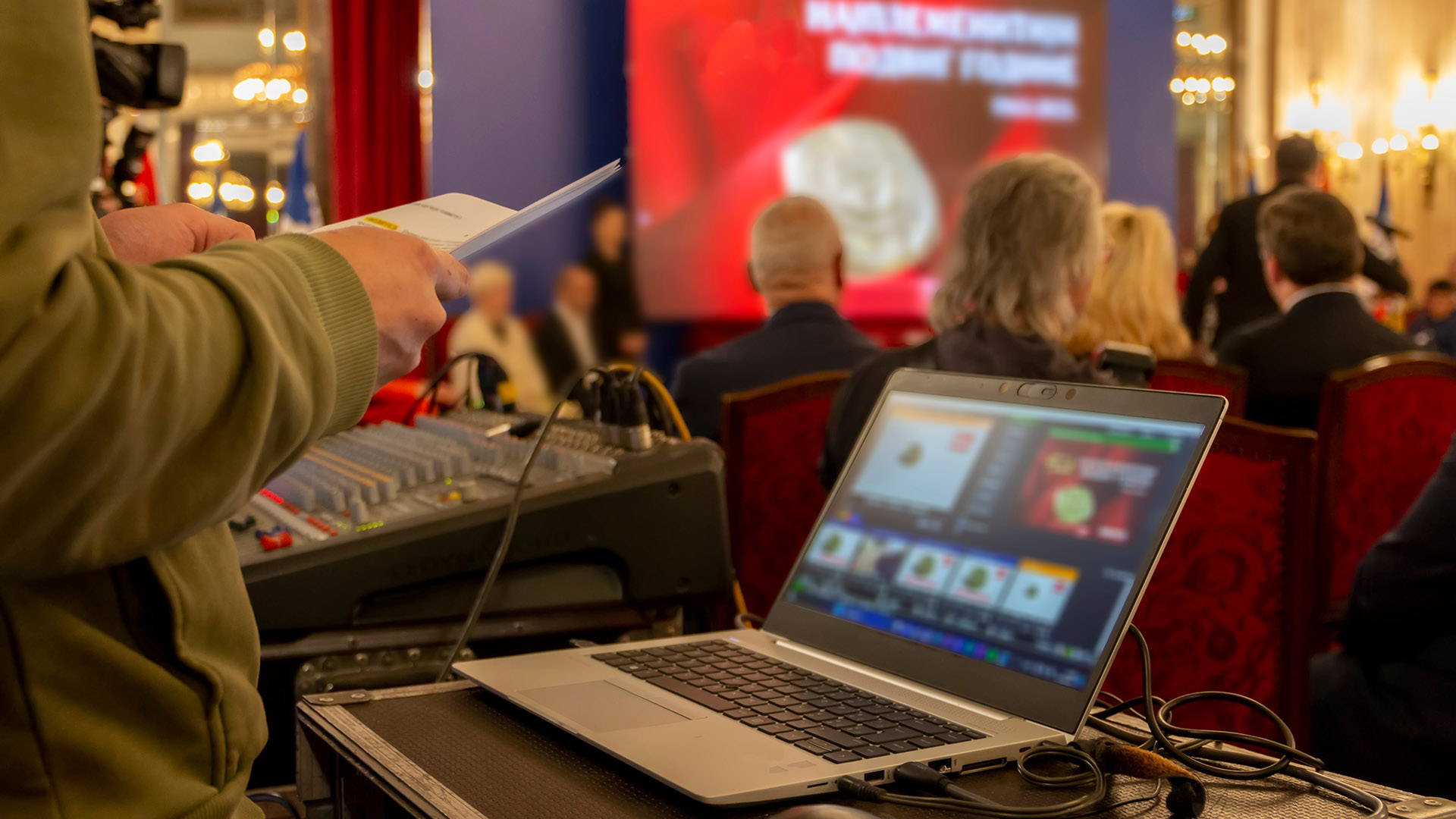
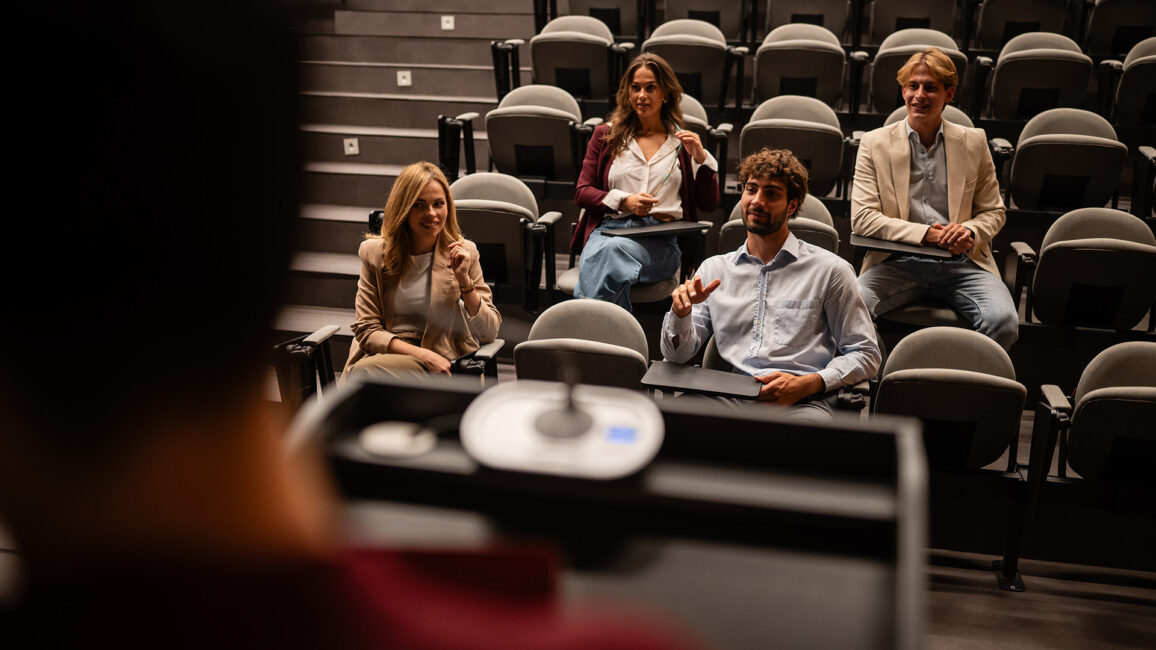
Finally, have a conversation about onsite technical support. How will the support work? Can your event tech partner provide a team to be in the training area to troubleshoot immediately? There’s nothing as frustrating for event attendees or presenters as equipment that isn’t working. SmartSource provides experienced onsite technical support in the training area, giving presenters and attendees immediate access to help if an issue arises.
FULL-SERVICE BULK LAPTOP RENTAL FOR CONFERENCES
When it comes to large-scale laptop deployment services, SmartSource can provide a package that includes the equipment, configuration, logistics, support, and experienced onsite technical experts. A great example was the TUG four-day conference.
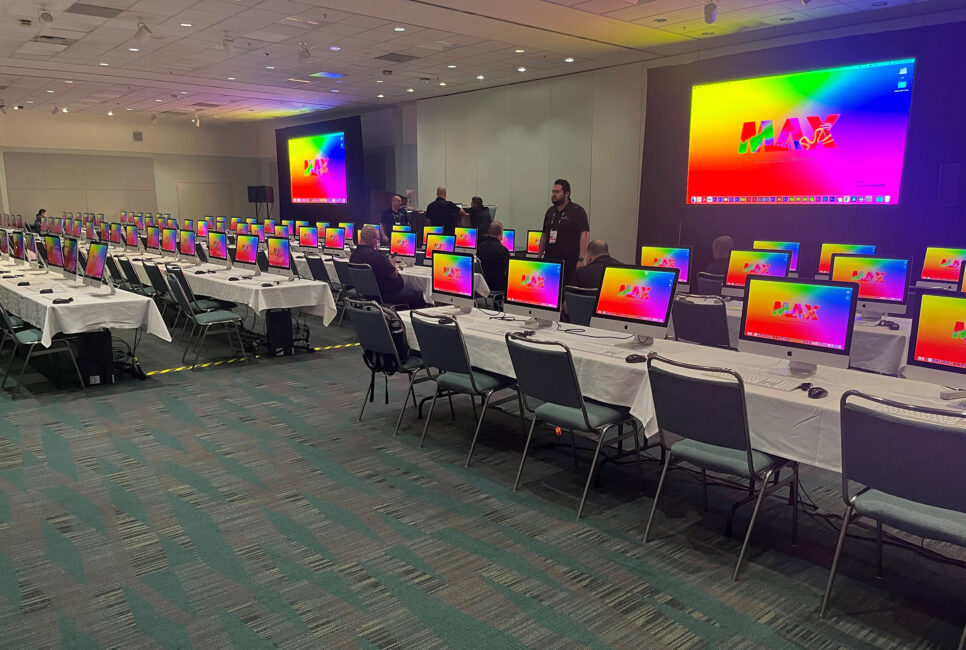
For this large event, SmartSource helped the event coordinators support 19 concurrent breakout sessions, nine hands-on labs, and as many as 780 computer stations. Each rented device was imaged and tested in advance, and the overall conference flow worked smoothly and effectively.
The takeaway? A deployment of this size requires much more than delivering laptops.
SmartSource coordinated the imaging, testing, networking, installation, and onsite support needed to keep hundreds of stations ready for use across multiple concurrent sessions.
DIFFERENTIATE YOUR CONFERENCE WITH LAPTOP RENTALS
A successful bulk laptop deployment depends on more than having enough devices. SmartSource can manage the configuration, logistics, testing, and onsite technical support required to make those devices ready when and where attendees need them.
FREQUENTLY ASKED QUESTIONS ABOUT BULK LAPTOP RENTALS FOR CONFERENCES AND CONVENTIONS
Have remaining questions about renting laptops in bulk for your event? Read through our frequently asked questions.
1. Why is it better to have a provider handle our rented laptop logistics and support?
Your team may not have the capacity to rent, configure, deliver, support, and retrieve hundreds of laptops. An expert event technology provider that offers bulk laptop rentals can absorb those responsibilities so you can focus on other areas of your conference or meeting.
2. Can rented laptops be preloaded with custom software for our event?
Laptops can be preloaded and configured to your specifications. Ask your bulk laptop event partner for more information on how to make this work as cost-effectively as possible.
3. How can hundreds of laptops be deployed for my event?
Deploying hundreds of laptops requires coordinated configuration, testing, transportation, setup, connectivity planning, onsite technical support, and post-event retrieval. SmartSource manages these moving pieces as part of the larger deployment so devices are configured correctly and ready where attendees need them.