What Equipment Universities Commonly Rent for Events, Training, and Presentations
9 minute read
Table of Contents
THE CORE AV EQUIPMENT CATEGORIES FOR UNIVERSITIES
DISPLAYS FOR PRESENTATIONS AND EVENTS
AUDIO EQUIPMENT FOR CLEAR COMMUNICATION
LAPTOPS, TABLETS AND TRAINING TECHNOLOGY
EQUIPMENT FOR HYBRID EVENTS
LIGHTING, STAGING AND EVENT ATMOSPHERE
ACCESSORIES THAT PREVENT DELAYS
RENTING PROVIDES FLEXIBILITY
THE RIGHT EQUIPMENT SUPPORTS THE EXPERIENCE
Universities host an unusually wide range of events, often with significantly different technology needs. A guest lecture may require only a display, microphone, and presenter laptop, while a commencement ceremony, alumni gala, or multi-track conference may call for large-scale audio, video, lighting, networking, livestreaming, and on-site technical support.
For many universities, renting equipment provides the flexibility to match technology resources to the event rather than maintaining enough inventory to cover every possible scenario year-round. Based on our experience, here are the core equipment categories.
THE CORE AV EQUIPMENT CATEGORIES FOR UNIVERSITIES
The equipment universities rent most often generally falls into a few core categories: displays and presentation technology, audio, computers and devices, connectivity, lighting, and event support infrastructure.
The right mix depends on the room, audience size, format, and whether the event includes remote participants. A 40-person training session, for example, has very different needs from a 1,500-person conference keynote.
Equipment Category
Common Rentals
Typical University Uses
Displays and Video
Projectors, projection screens, LED video walls, large-format displays, confidence monitors
Lectures, conferences, commencement, career fairs, donor events, presentations
Hybrid events, temporary classrooms, registration, large conferences
Displays and Video
Projectors, projection screens, LED video walls, large-format displays, confidence monitors
Lectures, conferences, commencement, career fairs, donor events, presentations
DISPLAYS FOR PRESENTATIONS AND EVENTS
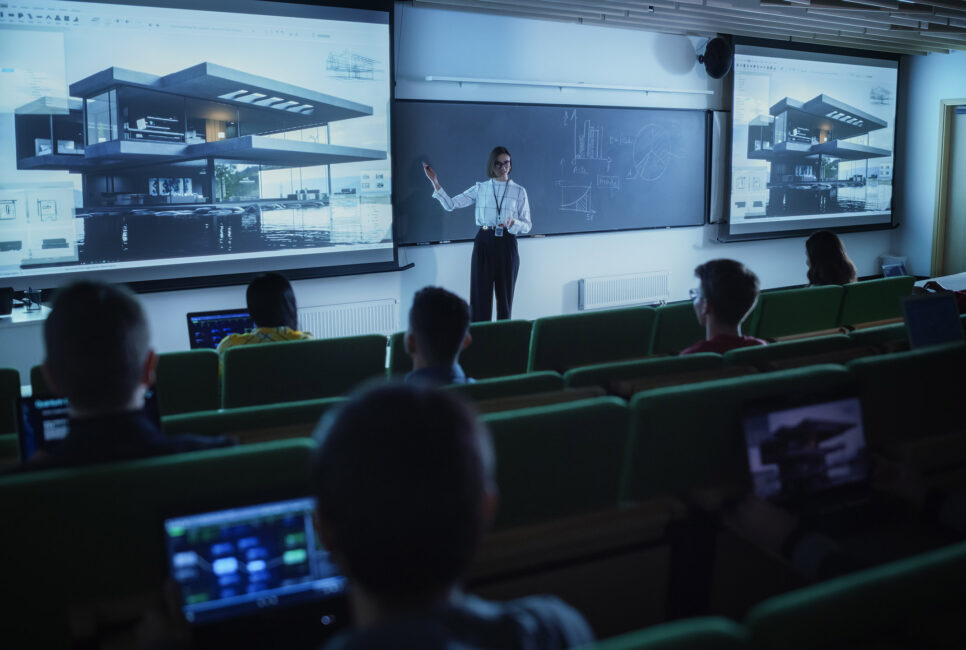
Display technology is one of the most common rental needs on campus because virtually every event involves content: slides, video, branding, schedules, speaker visuals, or instructional material.
For smaller training rooms and workshops, a large-format commercial display is often the simplest and most effective choice. In rooms serving approximately 30 to 80 people, a 65- to 86-inch display can provide sufficient visibility without the added setup complexity of projection.
For larger lecture halls, conference rooms, and auditoriums, universities often rent:
4K projectors and projection screens
LED video walls
Large-format displays
Confidence monitors for presenters
Digital signage for schedules, wayfinding, and branding
Touchscreen displays for workshops and interactive sessions
Projectors remain a practical option when lighting can be controlled. We usually recommend 4K projectors in the 5,000- to 8,000-lumen range or higher, paired with 120- to 160-inch screens, for many large-hall applications.
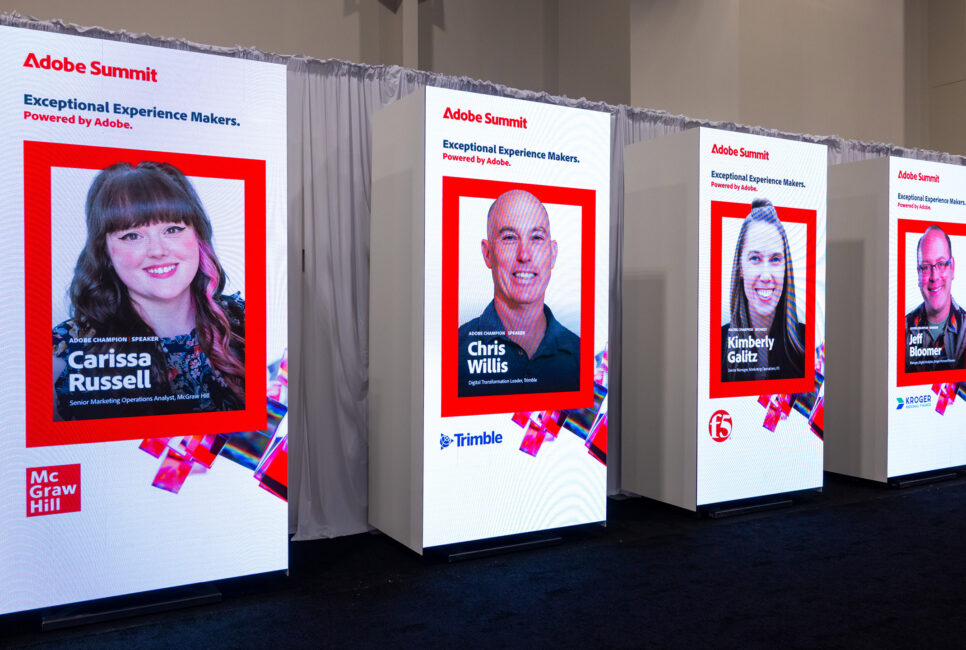
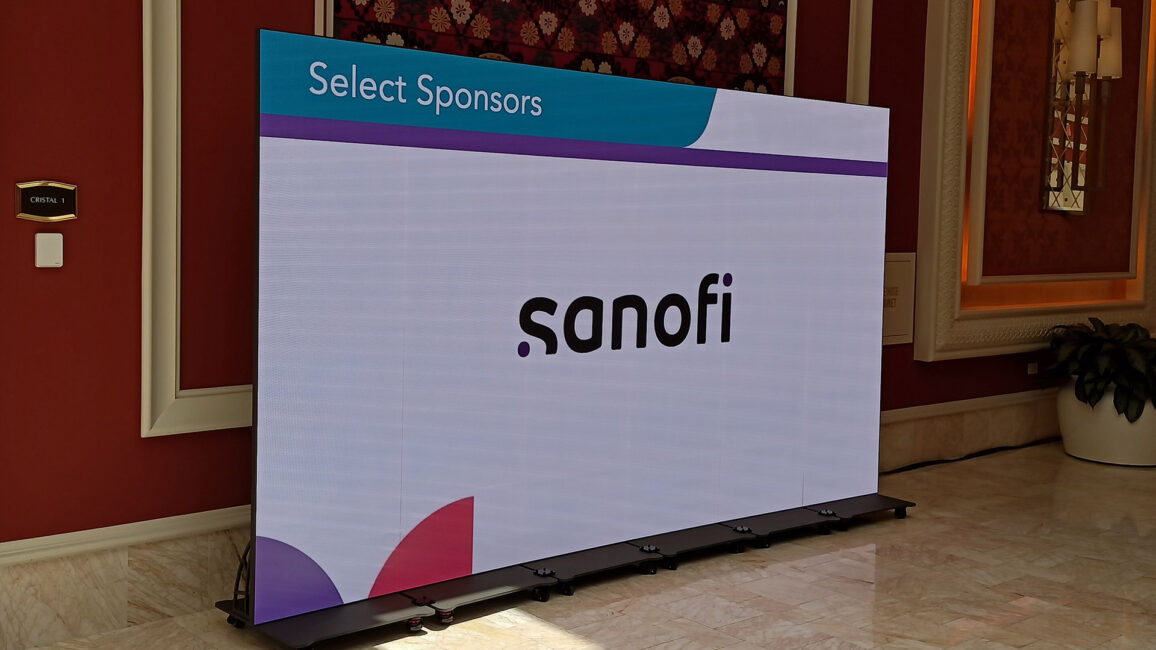
LED video walls become especially valuable in bright spaces, branding-heavy environments, and large events where audience members need to see content clearly from a distance. Because LED displays are less affected by ambient light than projection, they can be a stronger choice for commencement venues, atriums, outdoor-adjacent spaces, and general sessions with more than 1,000 attendees.
Confidence monitors are another frequently overlooked but useful rental. Positioned near the stage, they allow presenters to see slides, notes, video cues, or a remote audience feed without repeatedly turning toward the main screen. That creates a more polished and natural on-stage experience.
AUDIO EQUIPMENT FOR CLEAR COMMUNICATION
Audio is often the difference between an event that feels professional and one that feels frustrating. If attendees cannot hear a speaker clearly, even the strongest content loses impact.
Wireless handheld microphones for panels and audience Q&A
Lavalier or headset microphones for keynote speakers and presenters
Wired backup microphones
Portable PA systems and speaker arrays
Audio mixers and digital mixing consoles
Podium microphones
Assistive listening systems
Audio feeds for livestreaming and recording
For large auditoriums, the sound system may include directional speaker cabinets, subwoofers, and a digital audio console capable of handling multiple microphones, video playback, and streaming feeds at once. Our event checklist recommends a 32- to 48-channel digital mixing console for complex programs with keynote speakers, panelists, playback content, and livestream outputs.
Even smaller rooms benefit from basic audio reinforcement. A portable PA system or installed ceiling speakers can support a session, while at least one wireless microphone helps ensure presenters can be heard throughout the room.
Backup equipment matters as much as the primary system. Spare wireless microphones wired handheld microphones for Q&A, replacement cables, and backup power help teams resolve problems quickly and discreetly when something fails during a live program.
LAPTOPS, TABLETS AND TRAINING TECHNOLOGY
Many university rentals are not traditional AV equipment at all. Departments frequently need temporary access to computers, tablets, printers, monitors, and related technology for academic programs, training sessions, testing, registration, and event operations.
Common rentals include:
Business laptops for presenters, staff, faculty, and temporary labs
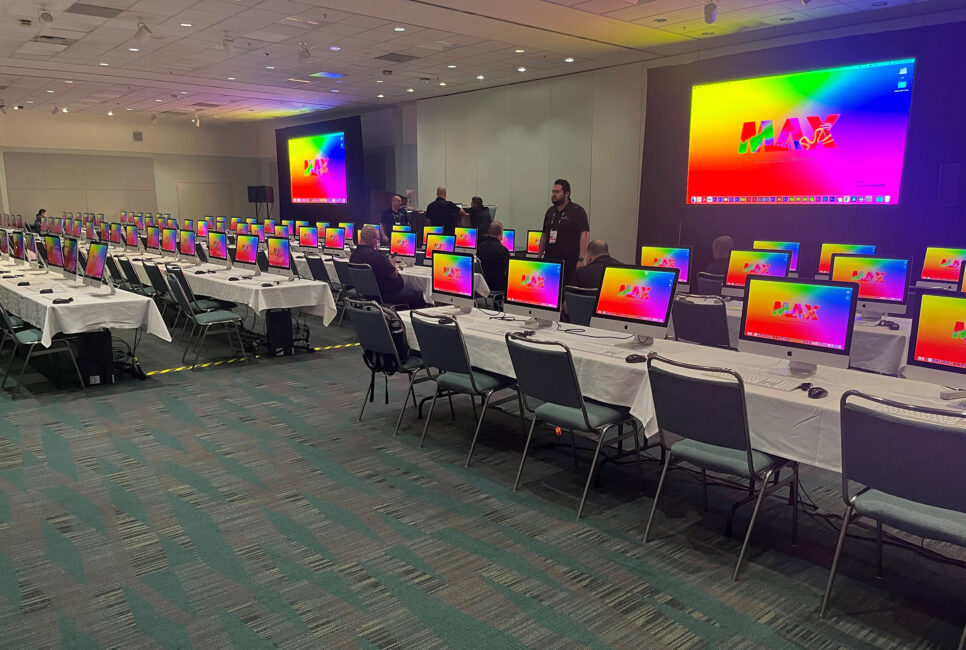
Desktop computers for training rooms and computer-based programs
iPads and tablets for registration, surveys, check-in, and interactive learning
External monitors for presenters, staff workstations, and command areas
Printers and high-volume copiers for event materials and temporary offices
Mobile charging stations for attendee devices and staff equipment
This category is particularly helpful when a university needs to create a temporary learning environment without purchasing equipment for permanent use. Examples include software training, faculty workshops, orientation programming, certification testing, research sessions, summer programs, and conference registration areas.
For multi-room programs, standardizing the technology package can reduce confusion for both presenters and support teams. A consistent setup with the same display connection, adapter kit, power access, clicker, and audio configuration in each room makes it easier for speakers to get started and for technicians to troubleshoot problems quickly.
EQUIPMENT FOR HYBRID EVENTS
Hybrid event technology has become a routine need for universities that want to accommodate remote students, faculty members, alumni, guest speakers, or conference attendees.
A hybrid setup may require more than a webcam and a video call. Depending on the event, universities may rent:
HD or 4K cameras
Tripods and camera supports
Video switchers
Streaming encoders
Presentation capture equipment
Audio interfaces and clean audio feeds
Confidence monitors for remote speakers
Dedicated networking hardware
Backup internet connectivity
For a professional streamed session, we recommend multiple camera angles, a video switcher to move between cameras, presentation slides, and prerecorded content, as well as dedicated support for the streaming workflow.
Bandwidth planning is also essential. For multiple simultaneous 1080p streams, plan for 60 to 70 Mbps of dedicated upload capacity as a starting point, with individual streams typically requiring 5 to 8 Mbps and additional headroom to account for network fluctuations. Wired Ethernet on a business-grade connection is preferable to relying on shared Wi-Fi alone.
The goal is to give remote participants an experience that feels intentional rather than secondary. They should be able to hear the presenter clearly, see the slides, follow camera angles, participate in Q&A, and access a stable stream without repeated buffering or dropouts.
LIGHTING, STAGING AND EVENT ATMOSPHERE
Lighting is sometimes treated as optional, but it has a major impact on how an event looks in the room and on camera. It is particularly important for commencement ceremonies, awards programs, donor events, alumni gatherings, performances, conferences, and hybrid presentations.
Universities often rent:
Stage wash lighting
Podium and presenter spotlights
LED uplighting
Truss systems
Dimmers and lighting controllers
Decorative and branded lighting elements
For presentations that will be recorded or streamed, lighting helps ensure speakers are visible and professional on camera. Staging, truss, and related support infrastructure can also be necessary when a campus venue needs to be converted into a temporary event environment. A ballroom, gymnasium, student center, tented area, or outdoor-adjacent space may need a stage, display support, lighting positions, cable management, and a defined technical footprint before it can function as a polished event venue.
ACCESSORIES THAT PREVENT DELAYS
Some of the most important event rentals are also the least glamorous. Cables, adapters, power, charging, and control tools can determine whether an event starts smoothly or gets delayed by a presenter who cannot connect a laptop.
A dependable room kit often includes:
HDMI, USB-C, Mini DisplayPort, VGA, and XLR adapters
Presentation clickers
Power strips and extension solutions
Backup cables for every connection type in use
Uninterruptible power supplies for critical equipment
Charging stations
AV control panels
Cable ramps, cable management, and labeled connections
Standardized adapter kits are especially valuable in university environments, where presenters may arrive with different laptop models, operating systems, and connection types. SmartSource recommends that breakout-room kits include HDMI, USB-C, Mini DisplayPort, VGA, and XLR connections at minimum, along with power access for laptops, clickers, and other presenter devices.
These small details are often what separate a smooth event from a rushed, visibly improvised one.
RENTING PROVIDES FLEXIBILITY
The reason universities rent event technology is not simply convenience. It is the ability to align resources with actual demand. Renting gives universities the ability to:
Scale equipment up for high-demand periods without carrying unused inventory all year
Access specialized technology for one-time or occasional programs
Support multiple simultaneous events across campus
Replace or supplement aging in-house equipment
Add trained technical support when internal teams are stretched
Adapt quickly when event plans, attendance, or formats change
THE RIGHT EQUIPMENT SUPPORTS THE EXPERIENCE
The best event technology fits the event’s objectives, room conditions, audience needs, and production timeline. Moreover, it supports the presenter, engages the audience, and allows the university staff to focus on the event itself rather than the equipment behind it.