The Ultimate AV Setup Checklist: General Sessions vs. Breakout Rooms
7 minute read
Table of Contents
WHAT ARE BREAKOUT ROOM SESSIONS?
WHAT ARE GENERAL SESSIONS?
GENERAL SESSION VS BREAKOUT ROOM AV REQUIREMENTS
WHAT ARE SOME AV SETUP CHECKLIST CONSIDERATIONS FOR EACH TYPE OF SESSION?
Outline the Baseline AV Equipment Needs for Every Session
Discuss Each Session’s AV Checklist With Your Event Technology Partner
Create Maps of Where All Your AV Equipment Will Reside During All Your Sessions
Talk About the Onsite or On-Call Support You’ll Need for General and Breakout Room Sessions
Use Your Event AV Equipment Checklist for Future Events
GIVING EACH SESSION THE AV CONSIDERATION IT DESERVES
WHAT ARE BREAKOUT ROOM SESSIONS?
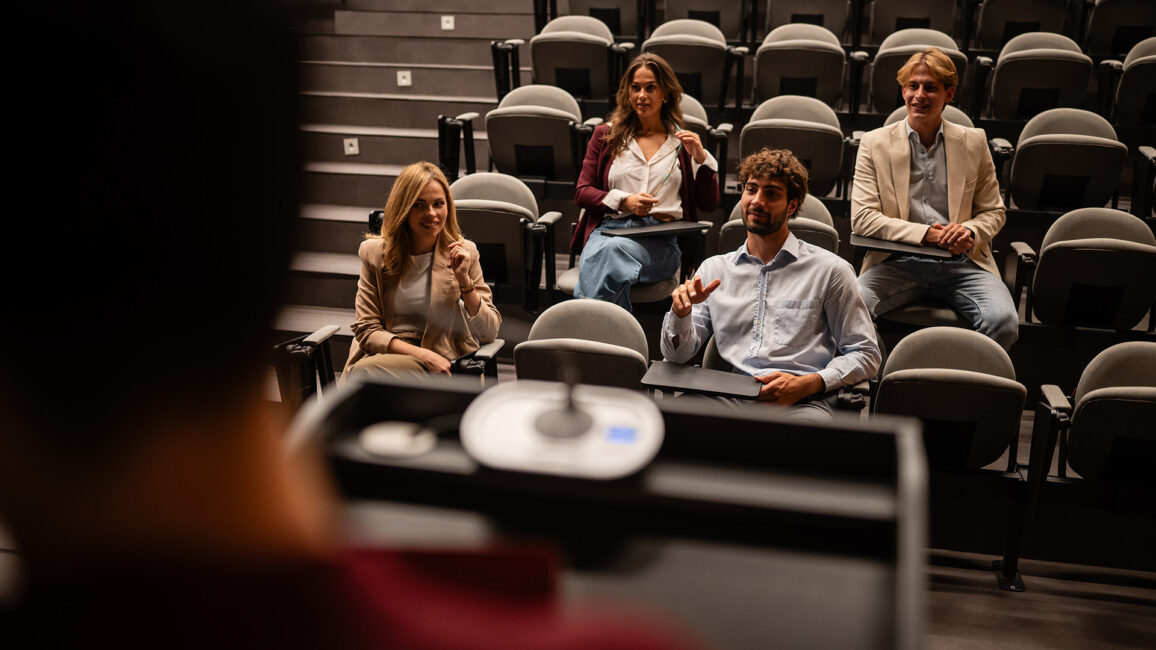
Plenty of events offer a nice mix of general and breakout sessions, and it’s easy to see why. Each engagement opportunity provides different ways for attendees to learn, adding more choice and versatility to all-day, multi-day, or weeklong events.
However, if you’re planning on having a combination of general sessions and breakout rooms, you need to consider the kind of audiovisual (AV) elements you’ll need in each room. After all, the AV required for a theatrical plenary session will be a far cry from what’s required for more intimate breakout room offerings. The primary difference in an AV setup checklist for general sessions versus breakout rooms lies in production scale: general sessions require multi-operator crews and complex rigging, while breakout rooms prioritize plug-and-play simplicity and intimate audio coverage.
To help you map out the event technology arrangements for all your sessions, use this AV setup checklist as a guide. That way, you can know at a glance what general session versus breakout AV topics to discuss with your event technology and production partner.
WHAT ARE GENERAL SESSIONS?
You might call your general sessions “plenary sessions” or even “keynote sessions.” These are experiences meant to educate, entertain, or inform all your attendees at once. Depending upon the size of your event, a general session may be held in a ballroom, a hall, or even an outdoor stadium.
Since general sessions are larger than breakout sessions, the presenter tends to remain on stage or a platform. It’s unusual for presenters who are speaking to large groups to walk around the audience.
GENERAL SESSION VS BREAKOUT ROOM AV REQUIREMENTS
Understanding the differences between general sessions and breakout rooms is critical when building an effective AV setup checklist. Each environment has distinct AV requirements, including audio, lighting, displays, and staffing, based on audience size and production complexity. The comparison table below outlines the key differences in event AV equipment and support requirements, making it easier to plan and execute each session type with confidence.
AV Component
General Sessions
Breakout Rooms
Audio
Full PA system, multiple microphones (lav, handheld, headset), mixing console, possible delay speakers for large rooms
Basic sound setup, typically a single microphone (lav or handheld), small speakers if needed
Lighting
Stage lighting, spotlights, dynamic lighting cues, possible LED washes for visual impact
Standard room lighting, minimal enhancements, possibly a small spotlight for the presenter
Displays
Large projection screens or LED walls, multiple displays for visibility, confidence monitors for presenters
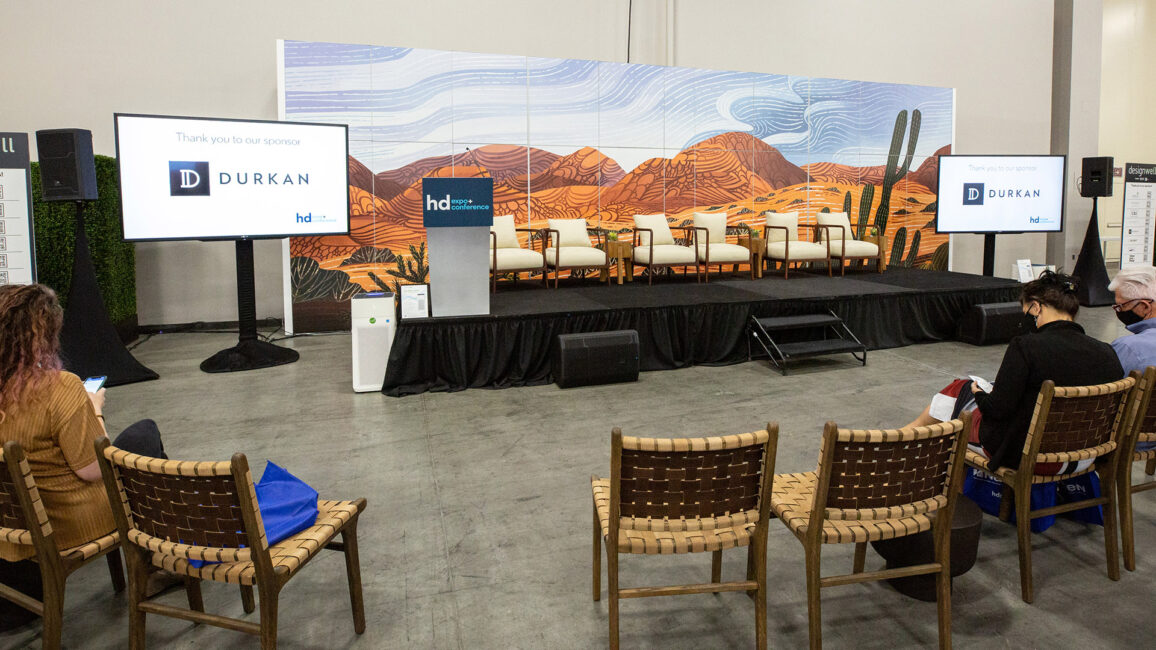
Single screen or monitor, standard projector, limited display setup
Staffing
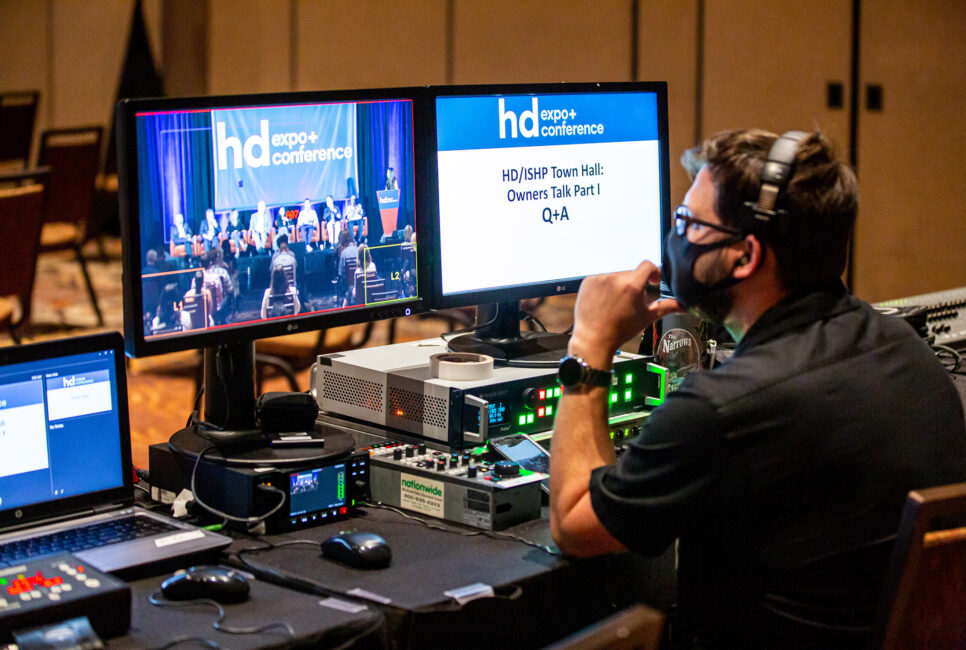
Dedicated AV team, including audio engineer, lighting technician, video operator, and stage manager
Minimal support, often one AV technician supporting multiple rooms or on-call assistance
WHAT ARE SOME AV SETUP CHECKLIST CONSIDERATIONS FOR EACH TYPE OF SESSION?
Now that you have a better understanding of your general sessions versus breakout room experiences, you can begin creating an AV setup checklist that includes the needs of both.
First, though, look at your run of show document. Go through every type of session that will occur at your event. These may include keynotes, facilitated panels, live Q&As, group demonstrations, breakout workshops, or even film screenings. Divide them into general versus breakout sessions. Then, group them by category.
Now that you’ve separated your sessions, you can begin the process of determining which AV equipment should be used for each experience.
Outline the Baseline AV Equipment Needs for Every Session
Once you have a detailed list of all your sessions, start thinking about the different AV types you’ll need for each one. Be very clear and, if needed, ask questions of outside presenters who are coming to your event. (You may not be aware of their comprehensive event technology expectations if you don’t inquire.)
For example, breakout rooms typically require a solid AV setup, including a high-definition projector and screen or large display, a laptop interface, wireless microphones (lavalier or handheld), and a reliable sound system with an AV tech managing the run of show. However, if the breakout room is being used for a learning or workshop-style session, you may be able to get away with a more minimal setup. Either way, be sure to talk with your presenters ahead of time to determine exactly what they’ll need.
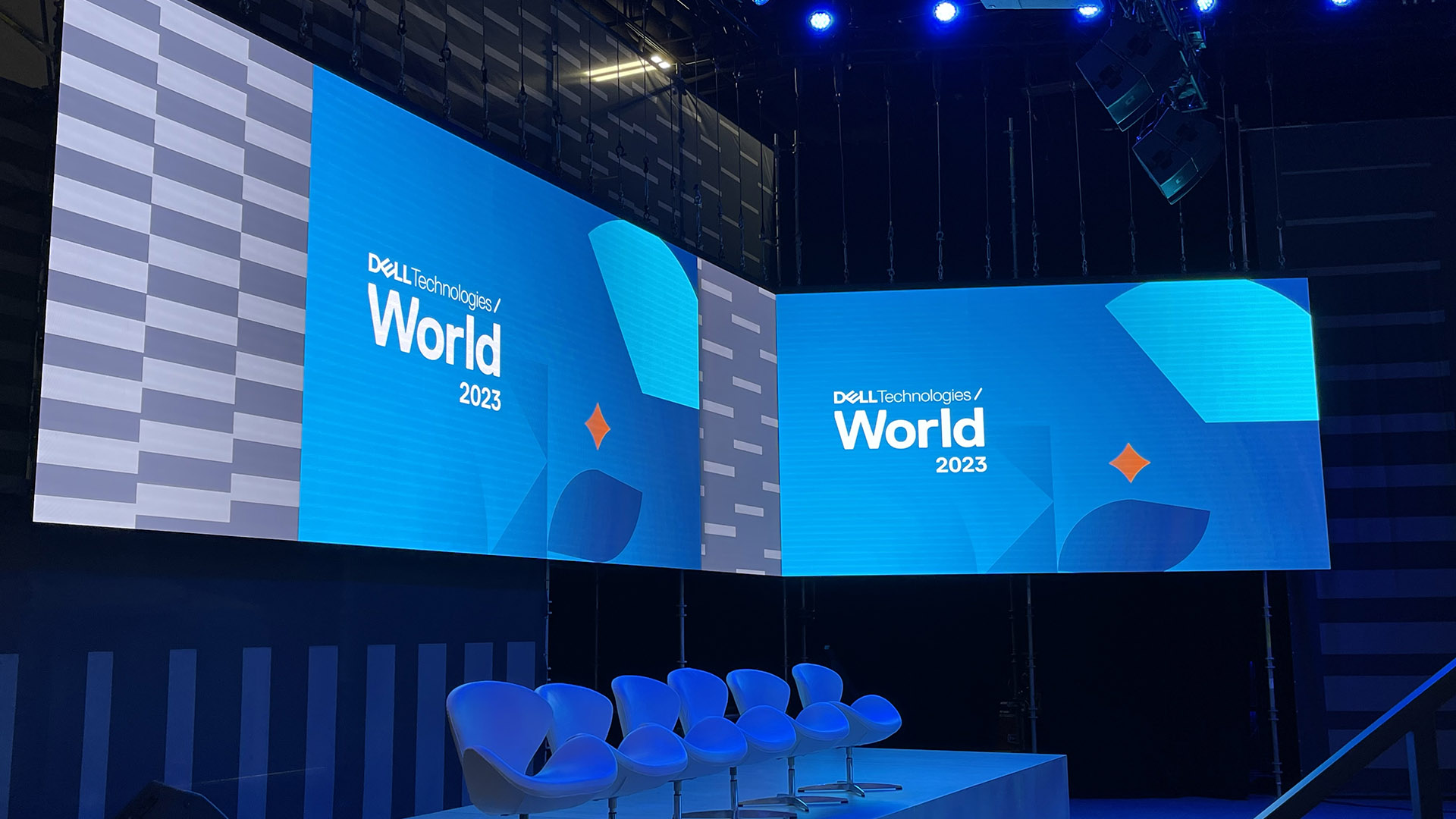
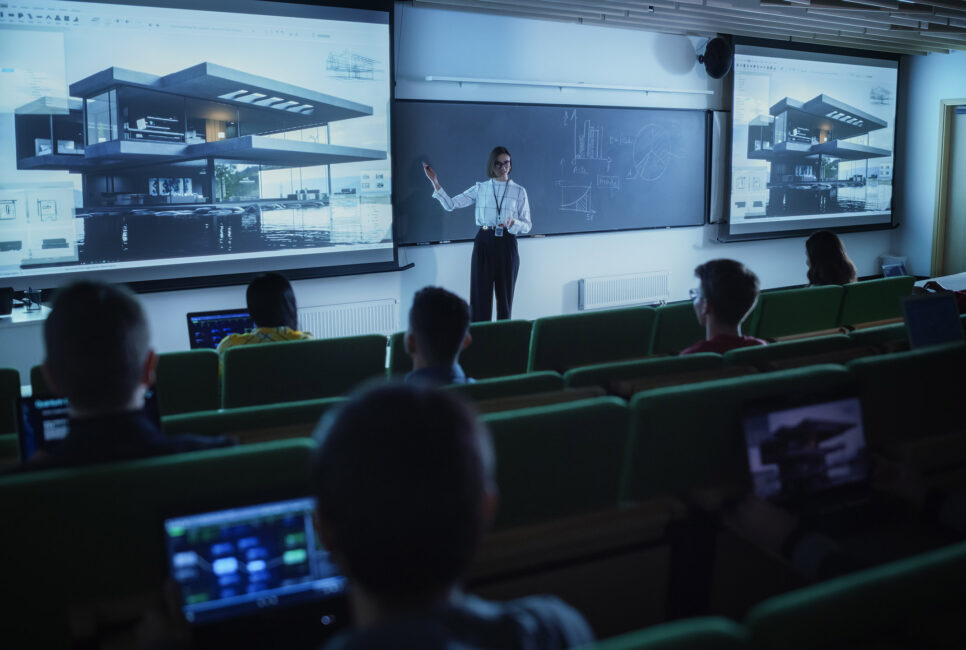
On the other hand, full-scale general sessions may require complex rigging, a series of lighting, audio, and video cues, or massive LED backdrops. It all depends on the tone of the general session and your vision for what you (and your presenter) want the experience to look and feel like.
Extra pro tip: What are some general and breakout room technology elements you should keep in mind? Definitely consider any AV needs (e.g., screens, projectors), plug-and-play connectivity for attendees (e.g., WiFi for scanning QR codes displayed on screens), and lighting requirements.
Discuss Each Session’s AV Checklist With Your Event Technology Partner
Even if you’re not 100% sure you’ve captured every detail, bringing your AV setup checklist to an experienced event technology partner like SmartSource lets you validate your approach and uncover gaps early. An expert partner doesn’t just review your checklist—they help refine it based on real-world execution requirements, ensuring every session is fully supported from both a technical and production standpoint.
Starting with a scannable document makes conversations more efficient and productive. From there, your partner will guide deeper planning discussions, including room layouts, technical specifications, and logistical considerations that impact performance onsite. The more detailed your inputs, the more precisely your partner can design and execute an AV plan that delivers a seamless experience across every session.
Create Maps of Where All Your AV Equipment Will Reside During All Your Sessions
Once you’ve chosen an event technology partner that can guarantee fulfillment of all your breakout room and general session AV needs, work with them to create diagrams of your presentation spaces. These maps will help map exactly where every piece of event tech should reside during each session, including mixers, cables, wires, computers, and other physical devices, tools, and hardware.
This may sound like a long process, but it’s necessary and will give you and your event partner a huge advantage. Does it require thoughtful planning and maybe a few hours? Yes, absolutely. Nonetheless, it ensures that each of your sessions is consistent from a tech standpoint.
(Remember that you’ll probably be hosting more than one session in the same spaces throughout the day. This means you may need different technology for each session.)
Talk About the Onsite or On-Call Support You’ll Need for General and Breakout Room Sessions
Your team won’t be running the technology at your event. That’s why you’ve hired an event technology partner with a proven reputation. Your partner should be able to provide the right combination of onsite support and 24/7 customer service to fully cover any foreseeable or unexpected needs throughout your event.
Remember that a tech crew with training may be able to move between different events, so you might not need as many people onsite as you originally presumed. On the other hand, be open to the possibility that you may do better with more team members, especially if you have many tech-heavy general sessions that require extreme precision.
Use Your Event AV Equipment Checklist for Future Events
The good news is that once you’ve created your first event AV equipment checklist for general sessions versus breakout rooms, you’ll have a document you can use for future events. This makes event planning simpler, especially if you plan to significantly scale your next event and hold more general and breakout room sessions.
GIVING EACH SESSION THE AV CONSIDERATION IT DESERVES
Are all general sessions alike? Of course not. And neither are all breakout workshops or trainings. That said, there are a lot of commonalities that you can use to inform your AV production planning.
At SmartSource, we’re here to help you ensure that all your event sessions are designed to dazzle. Talk to our expert team about becoming your preferred AV production partner.