7 Ways to Make Your Next Medical Symposium More Engaging
6 minute read
Table of Contents
START THE ENGAGEMENT BEFORE THE OPENING KEYNOTE
MAKE CLINICAL DATA VISUALLY LEGIBLE WITH LED WALLS AND MULTI-SCREEN LAYOUTS
ADD LIVE POLLING AND AUDIENCE-RESPONSE SYSTEMS
REPLACE THE CLIPBOARD WITH SMART CME TRACKING
USE BREAKOUT ROOMS TO GO DEEPER, AND SCALE YOUR AV ACCORDINGLY
ACTIVATE THE IN-BETWEEN MOMENTS WITH GAMIFICATION AND DIGITAL SIGNAGE
DESIGN THE ROOM, NOT JUST THE CONTENT
Medical symposiums carry a heavy lift. Complex clinical data, high-stakes compliance requirements, and a room full of busy healthcare professionals who need to absorb every word. The science may be compelling, but engagement doesn’t happen on its own. Here’s what leading pharma and medical event teams are doing to make their symposiums more memorable, from the app on attendees’ phones to the screens at the front of the room.
START THE ENGAGEMENT BEFORE THE OPENING KEYNOTE
By the time your attendees arrive on-site, the best event experiences are already underway.
A mobile event app gives you a direct line to registrants in the days and weeks before the event. That window is too valuable to leave blank. Use it to share faculty bios, session previews, relevant clinical papers, and agenda highlights. Let attendees build a personalized schedule, set session reminders, and connect with fellow participants ahead of time.
When HCPs walk into the general session already oriented to the content, you’ve shortened the warm-up period and extended the learning window. The app keeps working once the event begins, too. Push notifications for room changes, updated handouts, or post-session resource links keep everything in one place and take the friction out of transitions.
MAKE CLINICAL DATA VISUALLY LEGIBLE WITH LED WALLS AND MULTI-SCREEN LAYOUTS
Most ballrooms and hotel keynote halls were not designed with survival curves or multi-arm trial data in mind. Complex safety tables and subgroup analyses do not scale well on a single standard projector screen. If the back row cannot read the Y-axis, the science simply does not land.
Large-format LED walls and dual-screen layouts change that.
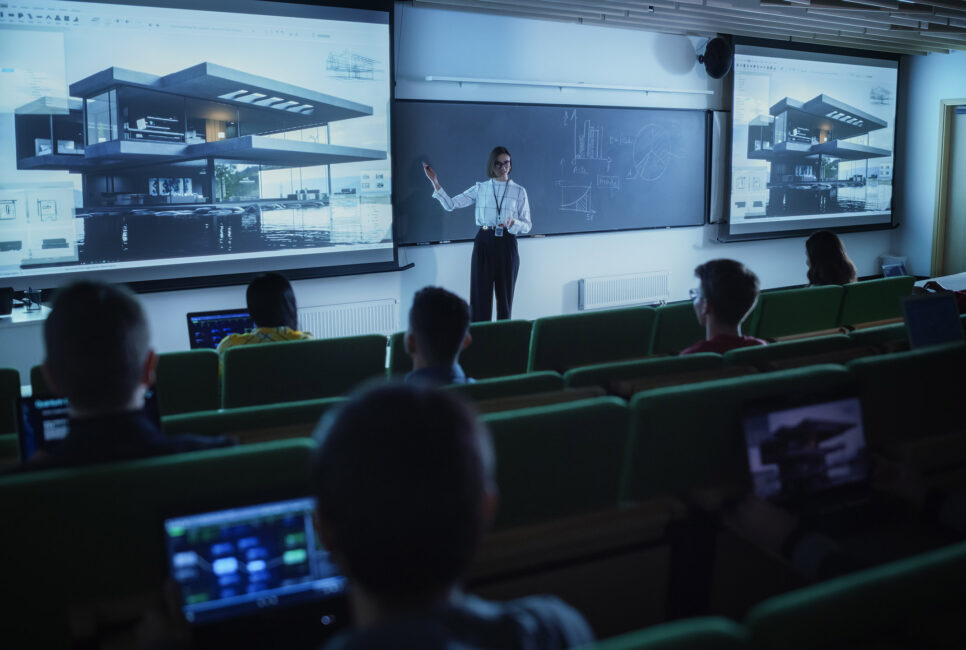
One screen can display “anchor” content, a reference survival curve or endpoint summary that stays visible throughout the presentation, while a second screen reveals detail progressively as the speaker builds the story. Separating context from detail reduces cognitive load and keeps attendees oriented as the data builds in complexity. High-contrast displays also remain readable in rooms that must stay partially lit for notetaking and compliance monitoring.
For medical events, legibility is not just an engagement concern. It’s a compliance issue. When screen size, resolution, and viewing distances are specified upfront, safety statements and citation text can be sized to remain readable throughout the room, not just from the first few rows.
ADD LIVE POLLING AND AUDIENCE-RESPONSE SYSTEMS
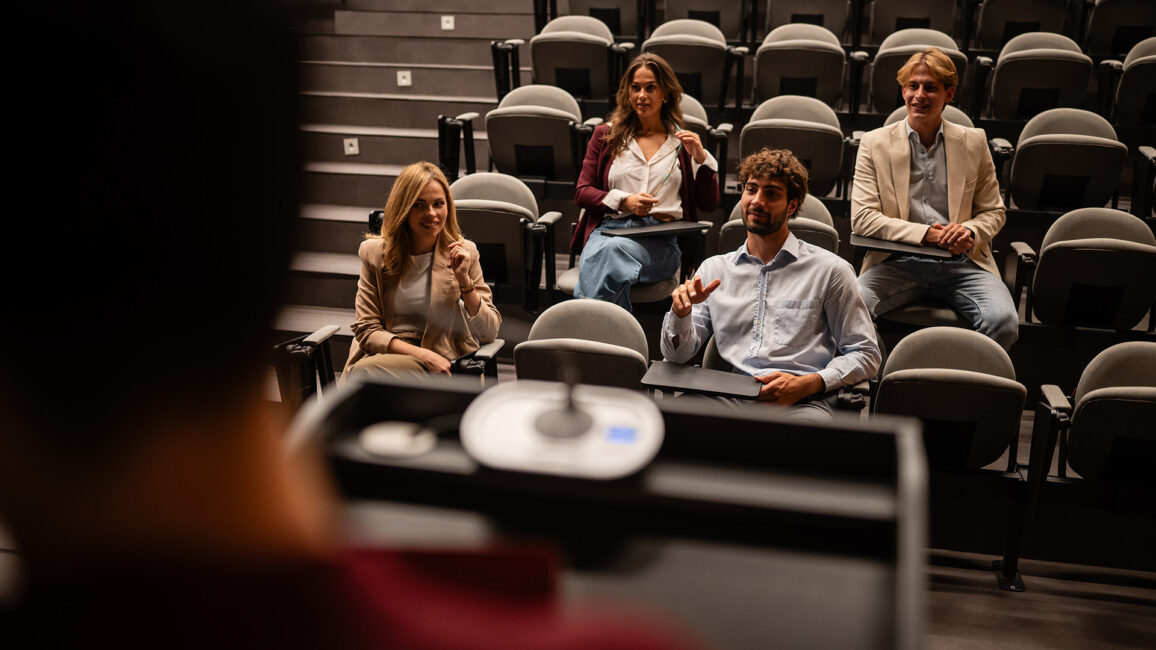
Healthcare professionals are trained to form opinions. Treating them like passive recipients is one of the fastest ways to lose the room.
Live polling, integrated into the event app or displayed on a dedicated screen, lets presenters gauge baseline knowledge before a session, surface audience consensus in real time, and identify the questions attendees most want addressed. When results appear on-screen immediately, the data in the room becomes part of the discussion. Not just the data in the slides.
Short. Punchy. That’s what polling does to a session. It creates moments. Audience-response systems can also be tied to CME assessment requirements, so participation data serves a double purpose: learning verification and engagement measurement at the same time.
REPLACE THE CLIPBOARD WITH SMART CME TRACKING
Ask any medical education team what kills their post-event workflow. The answer usually involves a pile of illegible sign-in sheets, manual data entry, and spreadsheets that do not connect to anything useful. Paper-based tracking does not map to the actual jobs CME teams have to do. In a compliance-sensitive environment, “I think Dr. Martinez was there” is not a defensible record.
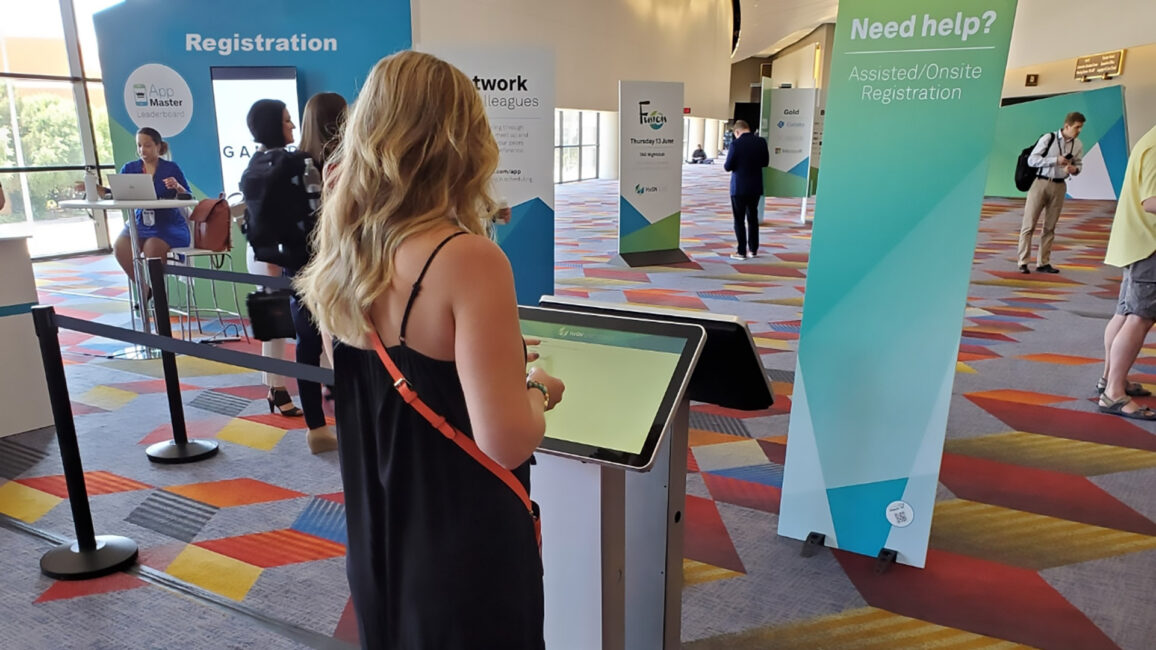
Modern event registration platforms treat check-in, session tracking, and credit calculation as a single connected system. Badge scans log entry and exit times automatically. The platform calculates whether each learner met required time thresholds. Certificates go out via email once the activity closes.
The same data powering the badge scan becomes the backbone of credit calculations, the audit trail, and year-end reporting. For teams managing dozens or hundreds of meetings a year, that consistency is how you demonstrate ROI and defend your program to accreditors. It also frees up staff to focus on the things technology cannot do.
USE BREAKOUT ROOMS TO GO DEEPER, AND SCALE YOUR AV ACCORDINGLY
General sessions set the stage. Breakout rooms are where real dialogue happens.
Whether the format is a small-group case study, a faculty panel, or a facilitated workshop, these sessions deserve AV setups that match their purpose. Not just whatever the venue has on hand. For data-heavy discussions, that means confidence monitors so faculty can engage the audience without turning around to read the main screen, properly sized displays for the space, and microphone choices that fit the format: lavs for presenters, table mics for panels, handhelds for Q&A.
A well-planned breakout room feels intimate and purposeful. A poorly equipped one sends a different signal entirely. Given that breakouts often carry the most substantive peer-to-peer learning of the day, it is the wrong place to cut corners on production quality.
ACTIVATE THE IN-BETWEEN MOMENTS WITH GAMIFICATION AND DIGITAL SIGNAGE
Every symposium has dead zones. That 15-minute gap between sessions when attendees drift to their phones and mentally check out. Those transitional moments are prime opportunities for engagement, or for losing people to email.
Digital leaderboards tied to session participation, clinical knowledge quizzes delivered through the event app, and interactive kiosk stations in common areas keep attendees active between presentations. These mechanics feel natural to a generation of professionals accustomed to interacting with their devices in structured, competitive ways.
A well-designed scavenger hunt can create a through-line for the day. Something like visiting all three satellite sessions to complete a clinical pathway rewards curiosity and gives attendees a reason to stay on the floor. Strategically placed digital signage reinforces session messaging and displays real-time updates without requiring anyone to pull out their phone
DESIGN THE ROOM, NOT JUST THE CONTENT
The best event technology is the kind nobody notices. That means audio covering the entire room evenly, so critical dosage information and adverse event language are heard with equal clarity from the back row. It means lighting that supports notetaking without washing out the screens. Cable runs and crew positions that do not interrupt sight lines or remind attendees they are sitting inside a production.
Beyond the invisible elements, the physical environment itself shapes engagement. Intentional room design, including seating configurations that encourage conversation, thoughtfully placed refreshment stations that extend networking time, and signage that guides flow rather than interrupting it, keeps attendees energized and connected throughout the day. The room sets expectations from the moment attendees walk in. A smooth arrival, clear wayfinding, and a check-in process that takes seconds instead of minutes all send the same message: this event was built with you in mind.
Engaging a room of healthcare professionals takes more than good science. It takes an environment, physical and digital, that treats their time, expertise, and learning goals with the same rigor brought to the clinical data.