The Role of Campus AV Support Services in Events, Training, and Academic Workshops
8 minute read
Table of Contents
CAMPUS AV SUPPORT IS A CAPACITY QUESTION
AV AND IT SHOULD BE PLANNED TOGETHER
An integrated planning process should consider:
DESIGN FOR THE LEARNING EXPERIENCE
BUILD RELIABILITY BEFORE EVENT DAY
Before a campus event or workshop, teams should:
USE TEMPORARY TECHNOLOGY STRATEGICALLY
For IT directors, short-term device deployments should still follow familiar controls:
WHAT TO LOOK FOR IN AN AV SUPPORT PARTNER
For AV for your education event, especially look for a partner that can:
FREQUENTLY ASKED QUESTIONS
What are campus AV support services?
Why should campus AV and IT teams plan events together?
When should a campus use an AV support partner?
What equipment is needed for a hybrid academic workshop?
Can temporary AV and IT equipment be used for academic programs?
PLAN THE TECHNOLOGY BEFORE THE PROGRAM
Campus events and academic workshops rely on more than a projector, a Wi-Fi password, and a presenter’s laptop. Strong campus AV support services bring audio visual technology, temporary IT equipment, connectivity, technical planning, and event-day support into one coordinated approach.
That coordination matters when an event involves multiple rooms, remote presenters, overflow audiences, lecture capture, recordings, or short-term technology needs. The goal is simple: keep attention to the program, not the technology behind it.
CAMPUS AV SUPPORT IS A CAPACITY QUESTION
Most campus AV and IT teams have deep institutional knowledge and well-established standards. The challenge is usually capacity, not capability.
Demand can rise quickly around commencement, orientation, research symposia, visiting-scholar lectures, executive education, certificate programs, donor events, and conference season. A campus may need more technicians, microphones, displays, cameras, laptops, or support hours than it can reasonably maintain for the rest of the year.
That is where experienced AV support partners can play a useful role. They can extend internal teams during peak periods, support specialized events, and provide temporary equipment without requiring permanent inventory or additional full-time staffing. For campus leaders, this is an important distinction: supplemental support should strengthen in-house teams, not replace them.
AV AND IT SHOULD BE PLANNED TOGETHER
AV and IT are often managed by different teams, but attendees experience them as one system. A hybrid workshop can have excellent cameras and microphones yet still fail if the network is unreliable, the conferencing platform is not configured properly, or the presenter’s device cannot connect. A well-prepared laptop is of little use if room audio is unclear, the display is hard to see, or the session lacks a technical escalation plan.
An integrated planning process should consider:
Room layout, audience size, and sightlines
Microphones, speakers, displays, projection, and lighting
Cameras, content switching, recording, and livestreaming
Presenter laptops, adapters, confidence monitors, and backup devices
Network capacity, guest access, and platform requirements
Support coverage during setup, rehearsals, live sessions, and teardown
Clear ownership when an issue requires AV, IT, venue, or event-team action
This is particularly important for hybrid formats, where the technology must serve both the people in the room and those joining remotely.
DESIGN FOR THE LEARNING EXPERIENCE
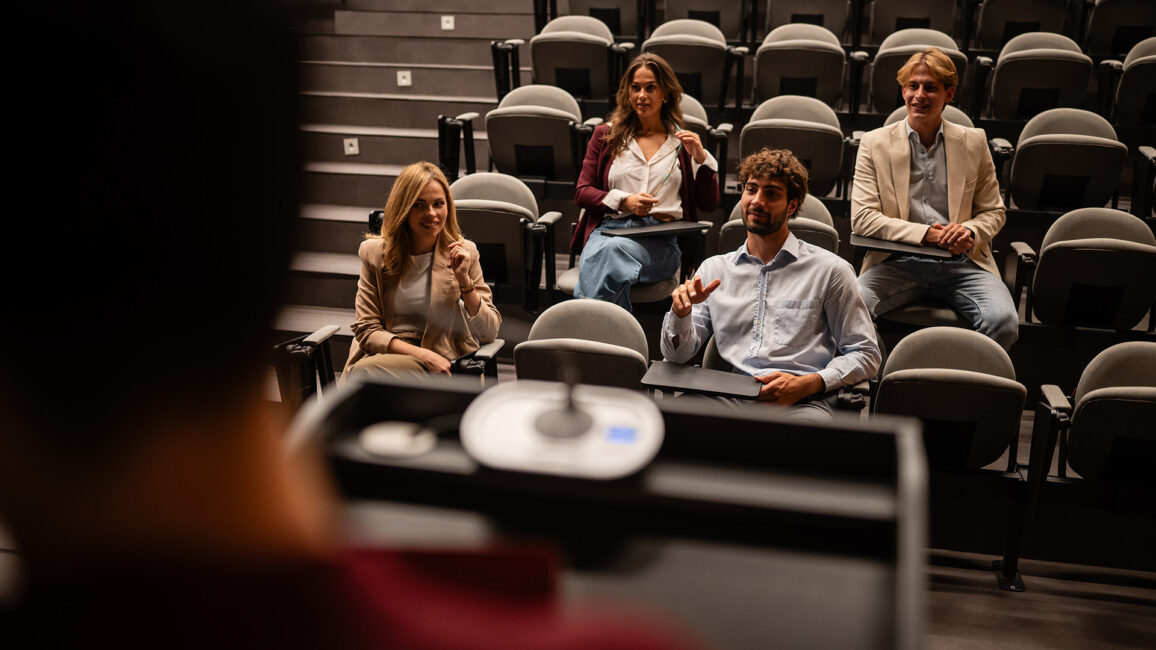
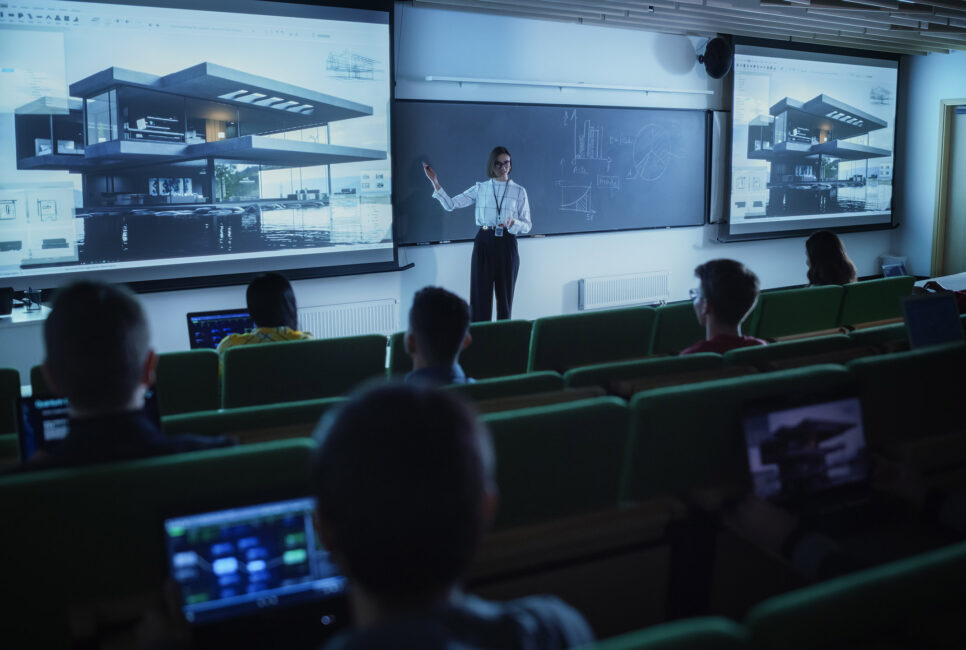
Technology choices should follow the instructional or event objective. A visiting-scholar lecture may require a clean presentation display, lectern microphone, camera coverage, and recording. A hands-on technical workshop may need close-up cameras, additional monitors, power access, and reliable content sharing. A multi-track symposium may require consistent room setups, breakout support, registration technology, and a centralized plan for session transitions.
The best setup is often the one attendees barely notice. Participants should be able to hear every speaker, view content clearly, ask questions without friction, and join remotely without feeling like an afterthought.
Consider a hybrid faculty workshop with 75 attendees in the room and 50 online. The in-room group needs clear audio and readable content. Remote participants need more than a wide camera shot of the room. They need direct presentation sharing, intelligible audio, purposeful camera framing, moderated Q&A, and a reliable way to contribute.
That is why hybrid events benefit from a technical producer or dedicated support lead. This person can monitor the platform, manage chat and questions, troubleshoot remote participants, and help presenters stay focused on the session.
BUILD RELIABILITY BEFORE EVENT DAY
A strong event technology plan assumes something may change. A remote speaker may encounter connectivity issues. A presenter may arrive with an unfamiliar device. A microphone battery may fail. A session may run late and affect the next room turnover.
The practical response is not to over-engineer every program. It is to identify likely risks, confirm responsibilities, and prepare reasonable backups.
Before a campus event or workshop, teams should:
Confirm event goals, format, room locations, and attendance expectations
Audit available campus equipment and identify supplemental needs
Test presentation files, connectivity, audio, camera framing, and remote access
Verify software versions, permissions, and account access
Prepare backup adapters, batteries, cables, microphones, and presentation devices
Conduct a presenter check-in and technical rehearsal for high-visibility sessions
Create a run-of-show that includes setup, transitions, support contacts, and teardown
Define the escalation path between event staff, campus IT, AV personnel, venue teams, and outside partners
Document return, retrieval, and data-handling procedures for temporary devices
This approach is especially valuable for high-stakes programs where a small delay can affect a large audience, a packed schedule, or senior leadership visibility.
USE TEMPORARY TECHNOLOGY STRATEGICALLY
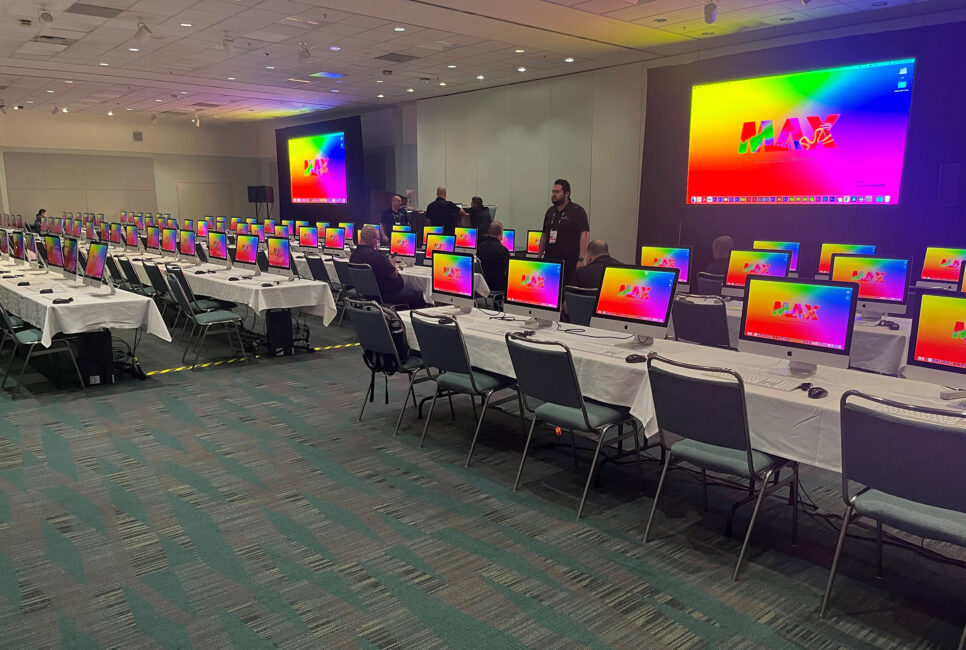
Not every campus need calls for a permanent purchase. Some needs are seasonal, specialized, or tied to a single program. Examples include a summer institute that needs a short-term laptop fleet, a certificate program with weekend sessions, a conference that requires extra displays and breakout-room equipment, or a research event that needs professional recording and remote participation.
Temporary technology can give teams more flexibility when demand exceeds normal inventory. It can also reduce the operational burden of maintaining, storing, refreshing, and supporting equipment that is used only a few weeks each year.
For IT directors, short-term device deployments should still follow familiar controls:
Standardized configurations and approved software
Clear user access and sign-in procedures
Network and security requirements defined in advance
Inventory tracking and chain-of-custody documentation
A structured return and data-removal process
These details help event teams move quickly without compromising IT standards or creating avoidable work after the program ends.
WHAT TO LOOK FOR IN AN AV SUPPORT PARTNER
Campus programs have different requirements, but a few qualities matter consistently when evaluating AV support partners.
For AV for your education event, especially look for a partner that can:
Work within established campus AV, IT, security, and procurement processes
Scale support for peak periods without disrupting internal teams
Plan around the specific needs of a campus event rather than applying a generic package
Coordinate AV, event technology, temporary devices, and operational logistics
Support in-person, virtual, hybrid, and multi-room formats
Communicate clearly about scope, timing, handoffs, and contingency planning
For event and conference managers, the value is a smoother show flow, fewer last-minute decisions, and a clear path to technical help when the schedule is live. For AV directors and IT leaders, the value is not simply access to more equipment. It is known that additional capacity can be added when demand spikes, while internal standards and workflows remain intact.
FREQUENTLY ASKED QUESTIONS
What are campus AV support services?
Campus AV support services cover the audio visual planning, equipment, setup, and technical assistance needed for university and college events, workshops, lectures, training programs, conferences, and hybrid sessions. This may include microphones, speakers, displays, projectors, cameras, presentation systems, recording, streaming, and onsite or remote support.
Why should campus AV and IT teams plan events together?
AV and IT are connected in every modern event. AV supports what attendees see and hear, while IT supports the devices, network, software, accounts, security, and connectivity behind the experience. Planning together helps prevent issues with compatibility, bandwidth, platform access, and technical ownership.
When should a campus use an AV support partner?
An AV support partner can be useful when a program exceeds internal equipment, staffing, or technical capacity. Common examples include multi-room conferences, high-attendance lectures, hybrid events, commencement-related programs, summer training cohorts, short-term device deployments, and specialized recording or streaming needs.
What equipment is needed for a hybrid academic workshop?
The requirements depend on the room, format, and number of participants. A typical hybrid workshop may need a presentation laptop, display or projection, high-quality microphones, speakers, one or more cameras, content-sharing capability, a conferencing platform, reliable network connectivity, and a technical lead to support the live session.
Can temporary AV and IT equipment be used for academic programs?
Yes. Temporary equipment can support short-term or seasonal needs, such as summer institutes, certificate programs, orientations, visiting-speaker events, conferences, or temporary classroom requirements. The key is to plan device setup, network access, user support, inventory tracking, return logistics, and data handling before deployment.
PLAN THE TECHNOLOGY BEFORE THE PROGRAM
Every campus event has a different mix of rooms, formats, and constraints. SmartSource works with campus AV, IT, and event teams to plan the equipment, connectivity, and onsite support around the program you are actually running — not a standard package.
If you have a symposium, training cohort, or hybrid workshop on the calendar, we can walk through the requirements with you and identify where supplemental support would help.