Digital Signage for Events: How to Improve Navigation at Conferences and Trade Shows
8 minute read
Table of Contents
BEST PRACTICE #1: KNOW THE BASIC TYPES OF DIGITAL SIGNAGE FOR CONFERENCES AND EVENTS
BEST PRACTICE #2: CREATE A DIGITAL SIGNAGE BLUEPRINT WITH YOUR EVENT TECH PARTNER
BEST PRACTICE #3: AVOID MAKING INDIVIDUAL DIGITAL SIGNAGE PIECES (E.G., MOUNTED SIGNS, KIOSKS) FEEL LIKE SILOED OUTPOSTS
BEST PRACTICE #4: BUILD AN ACCESSIBLE EVENT NAVIGATION EXPERIENCE
BEST PRACTICE #5: LINK YOUR DIGITAL SIGNAGE TO YOUR MOBILE APP
BEST PRACTICE #6: MAKE A STRONG DIGITAL SIGNAGE IMPRESSION DURING REGISTRATION
HOW DIGITAL SIGNAGE WORKS AT CONFERENCES AND TRADE SHOWS
Here’s how the strategy process for your digital signage works:
FREQUENTLY ASKED QUESTIONS ABOUT DIGITAL SIGNAGE FOR EVENTS
What is digital signage for conferences?
How does digital signage improve attendee navigation?
What types of digital signage are used at trade shows?
Can digital signage integrate with mobile event apps?
What are the benefits of digital signage at corporate events?
How much does digital signage for events cost?
Getting around a conference or trade show can seem daunting to attendees, especially if the event is spread across dozens of spaces or multiple buildings. Although apps with digital maps can be helpful, they’re not foolproof, especially if someone has trouble reading and understanding what they’re seeing.
What’s the solution? Digital signage for events.
The right digital signage solutions make it much simpler for everyone to understand where they are and how to get where they want to go. However, you can’t just set up a few digital displays and hope they work. Instead, you need to follow best practices to ensure your signage adds real value and support for your attendees, including vendors and onsite staff.
BEST PRACTICE #1: KNOW THE BASIC TYPES OF DIGITAL SIGNAGE FOR CONFERENCES AND EVENTS
There isn’t a single type of digital sign that you can use at an event. In fact, over the past couple of decades, many different types of signage options have emerged.
First up is the digital kiosk, which makes wayfinding much easier by providing an interactive element. Ideally, an attendee can use the touchscreen element of the kiosk to find information on the best way to get to upcoming sessions, exhibits, refreshments, and other engagements. Digital kiosks are perfect for people who prefer visual and kinesthetic methods of obtaining information.
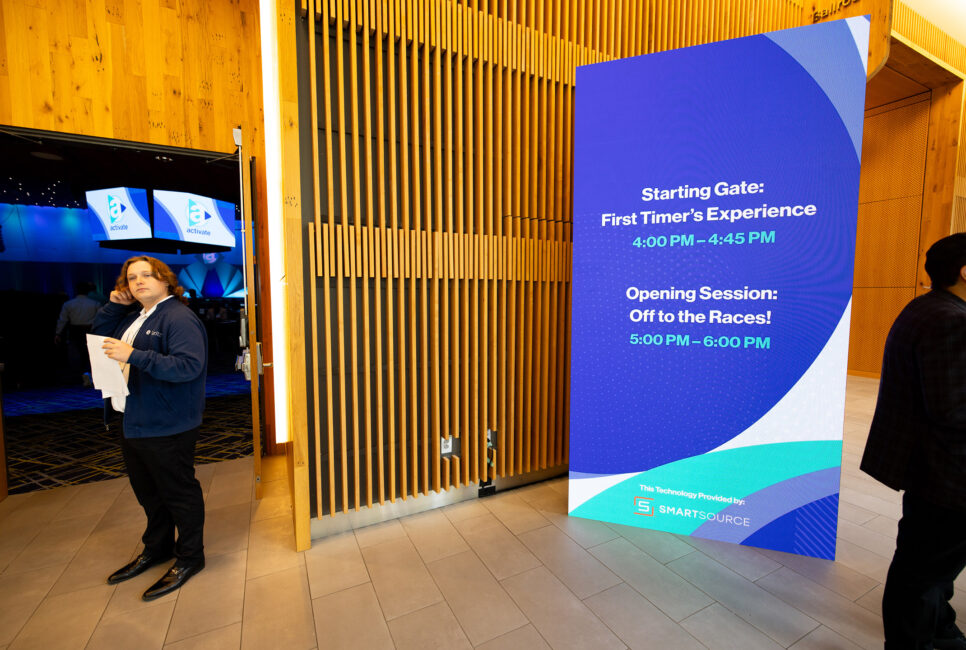
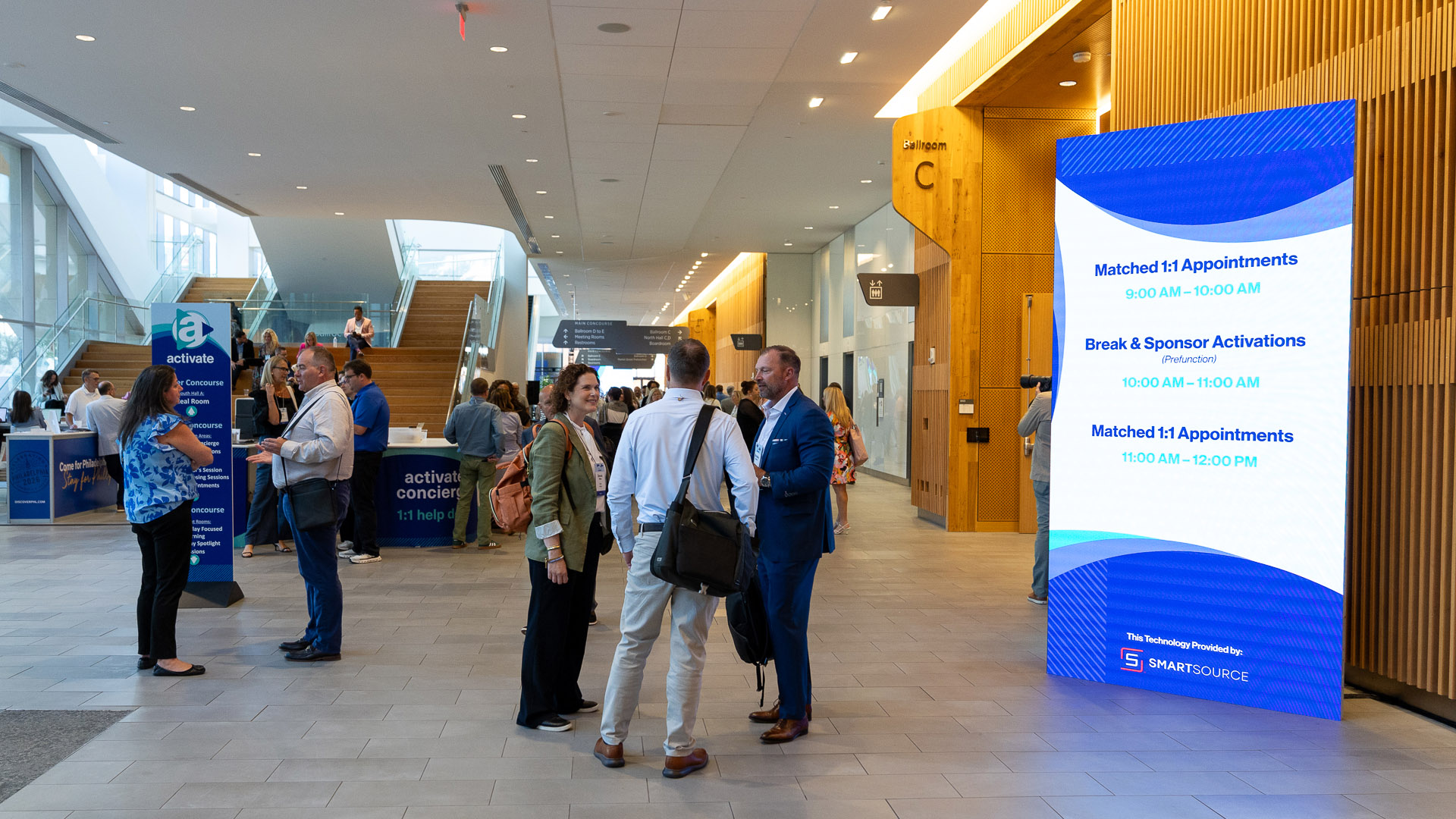
The next type of digital signage to know about is mounted signage units that don’t have to be touchscreen-enabled (but may be in some cases). Think wall-mounted monitors or video walls. These digital signage solutions can be used to highlight wayfinding maps, stream real-time video from different parts of the conference, and update attendees on what’s coming next at your event.
Still looking for other interactive event signage options? Consider interactive table-top OLED solutions. They’re portable, can be discreetly placed in “hotspot” travel areas, and seem familiar for attendees to use due to their touchscreen capabilities.
BEST PRACTICE #2: CREATE A DIGITAL SIGNAGE BLUEPRINT WITH YOUR EVENT TECH PARTNER
The SmartSource team regularly meets with event planning partners to develop a digital signage roadmap ahead of conferences and trade shows. Constructing a thoughtful blueprint with your event tech partner helps you to start thinking about your event navigation through a logistical and production-based lens.
If possible, it’s helpful to walk the event space during this process. Having access to a convention center, hotel, or other location enables you to see firsthand where your event navigation displays will be most beneficial.
That said, if you’re unable to gain access to an event space (or it’s unreasonable due to your proximity to the location), ask for detailed maps, photos, and videos of the venue. You can then use those insights to figure out where your event wayfinding signage belongs, as well as how each signage piece will contribute to an intuitive navigation experience.
BEST PRACTICE #3: AVOID MAKING INDIVIDUAL DIGITAL SIGNAGE PIECES (E.G., MOUNTED SIGNS, KIOSKS) FEEL LIKE SILOED OUTPOSTS
Sometimes conference signage can feel like it’s just been plunked down in the middle of a hallway or room. Rather than making all your digital signs feel like in-the-road furniture pieces, ensure they play a part in the flow and atmosphere of your event.
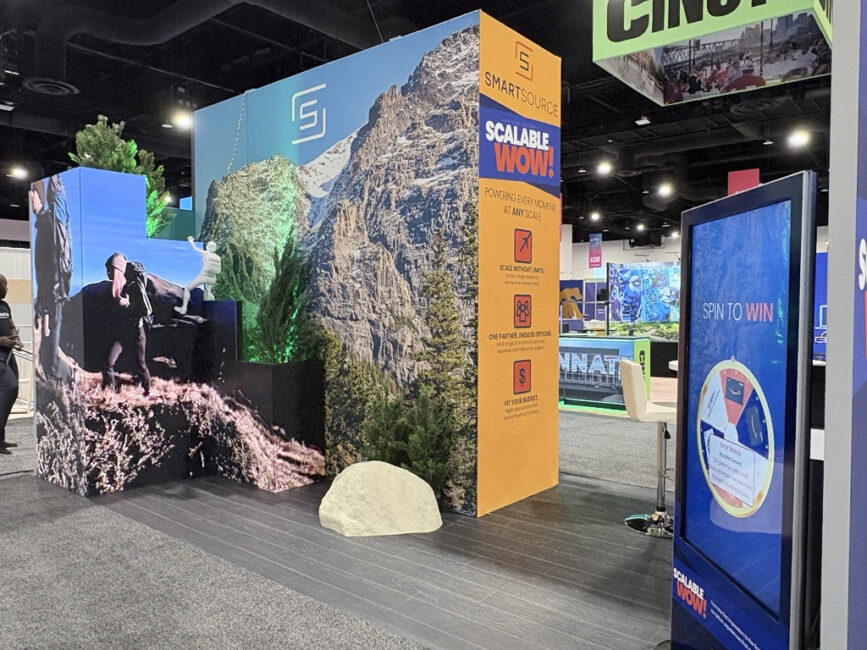
For example, consider adding other digital elements around digital signs. These could include AV event production extras like charging stations or exhibit hall solutions such as LED storytelling boards. That way, attendees can maximize their time and get the most out of their interaction with your displays.
BEST PRACTICE #4: BUILD AN ACCESSIBLE EVENT NAVIGATION EXPERIENCE
Effective event wayfinding should support every attendee experience, including multilingual audiences and guests with accessibility needs. Interactive kiosks, high-contrast digital displays, clear iconography, and strategically placed signage all help improve navigation throughout large conferences and trade shows.
When possible, consider incorporating multilingual support, universally recognizable symbols, and easy-to-read directional layouts across your digital signage ecosystem.
Accessibility-focused, ADA-compliant event navigation not only improves the attendee experience but also helps reduce confusion and congestion in high-traffic areas.
BEST PRACTICE #5: LINK YOUR DIGITAL SIGNAGE TO YOUR MOBILE APP
Most trade show and corporate convention attendees expect to have access to a special event mobile app. Make sure your app works seamlessly with all your digital signage by providing coordinated, updated information on both the signage and app platforms.
You’ll want to make certain that your app and onsite signage content is on-brand and cohesive. Remember: You don’t want your attendees to notice your tech; you want them to use it to have the best possible experience.
BEST PRACTICE #6: MAKE A STRONG DIGITAL SIGNAGE IMPRESSION DURING REGISTRATION
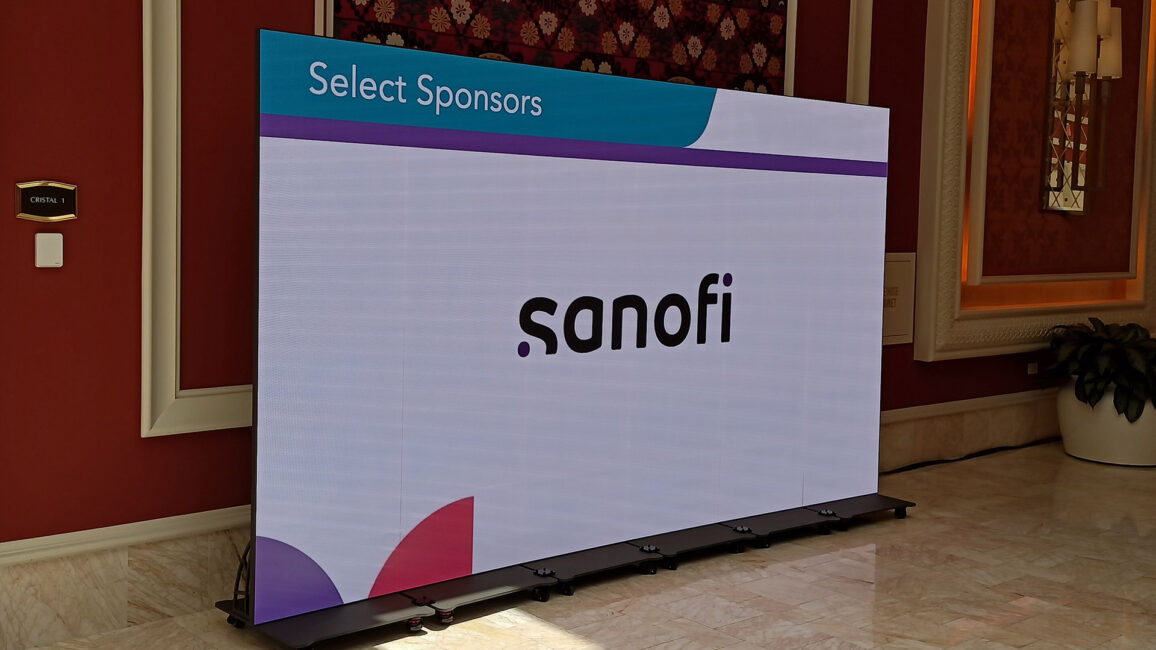
Want to let your attendees know immediately that you have their navigation needs covered? Include wayfinding displays as part of your event registration solutions. (And be sure to plug your top sponsors as well as your presenters and exhibitors.)
For example, if you’re using self-service registration kiosks, include a map interface so they can begin their event journey from a well-informed point of view. You may also want to include information at the standalone registration kiosk to guide attendees to your app.
By introducing people to their digital options right away, you can increase the likelihood they’ll use them throughout the event.
You can’t just set up a few digital displays and hope they work. Instead, you need to follow best practices to ensure your signage adds real value and support for your attendees, including vendors and onsite staff.
HOW DIGITAL SIGNAGE WORKS AT CONFERENCES AND TRADE SHOWS
Effective digital signage starts long before attendees arrive onsite. A successful wayfinding strategy requires thoughtful planning, venue analysis, content coordination, and real-time execution.
Here’s how the strategy process for your digital signage works:
Venue Evaluation and Traffic Planning: Event technology teams evaluate venue layouts, attendee flow, registration areas, breakout rooms, exhibit halls, and high-traffic zones to determine where digital signage will have the greatest impact.
Signage Strategy and Content Mapping: Once signage locations are finalized, content is mapped to each display type. This may include directional maps, sponsor messaging, session schedules, exhibitor information, emergency notifications, or branded content.
Hardware Deployment and Integration: Digital kiosks, LED displays, monitors, and interactive signage systems are installed and tested before the event begins. SmartSource integrates signage with event registration systems, mobile event apps, and AV environments to ensure a consistent attendee experience.
Real-Time Updates During the Event: Because schedules and room assignments often change during live events, digital signage allows organizers to push updates instantly across multiple screens and locations without reprinting materials.
Post-Event Analysis and Optimization: For larger events, organizers can evaluate attendee traffic patterns, sponsor engagement, and signage effectiveness to improve future event layouts and communication strategies.
FREQUENTLY ASKED QUESTIONS ABOUT DIGITAL SIGNAGE FOR EVENTS
What is digital signage for conferences?
Digital signage for events refers to the use of digital displays, interactive kiosks, LED screens, and wayfinding systems to guide attendees, communicate real-time information, and improve the overall event experience. At conferences and trade shows, digital signage helps attendees navigate venues, locate sessions, find exhibitors, receive schedule updates, and engage with sponsors more efficiently.
Unlike static printed signage, digital event signage can be updated instantly and scaled across multiple locations throughout a venue. Modern conference signage systems often integrate with registration platforms, mobile event apps, AV production systems, and sponsor activations to create a more connected onsite experience.
How does digital signage improve attendee navigation?
Digital signage simplifies wayfinding by displaying live schedules, room locations, floor plans, directional guidance, and event updates throughout the venue. Interactive kiosks and digital maps help reduce attendee confusion and improve traffic flow between sessions and exhibit areas.
What types of digital signage are used at trade shows?
Trade shows commonly use:
Interactive kiosks
LED video walls
Mounted digital displays
Registration signage
Sponsor displays
Directional wayfinding screens
Interactive tabletop displays
The right solution depends on venue size, attendee volume, and event goals.
Can digital signage integrate with mobile event apps?
Yes. Digital signage can work alongside mobile event apps to deliver synchronized schedules, announcements, maps, and attendee communications. This creates a more connected and consistent event experience across both physical and mobile platforms.
What are the benefits of digital signage at corporate events?
Digital signage helps event organizers:
Improve attendee navigation
Deliver real-time updates
Increase sponsor visibility
Reduce reliance on printed materials
Streamline communication
Create a more modern attendee experience
It also allows organizers to adapt quickly when schedules or room assignments change onsite.
How much does digital signage for events cost?
Digital signage costs vary depending on:
Number of displays
Screen size and type
Interactive capabilities
LED wall requirements
Content management needs
Length of the event
Onsite support requirements
Larger conferences and trade shows typically require a more customized signage strategy than smaller corporate meetings.